Wedding Countdown Widget for iPhone, iPad, and Mac
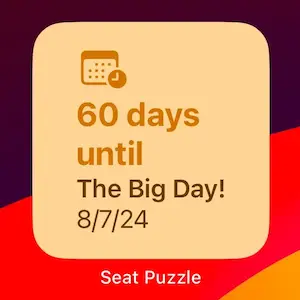
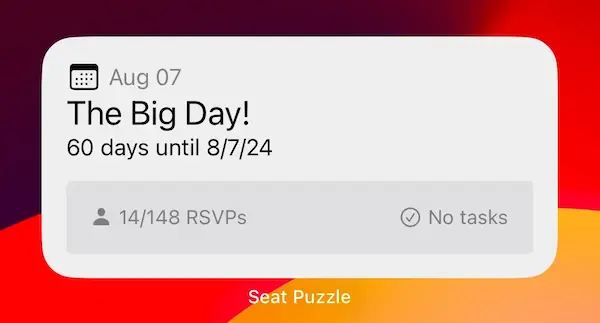
Seat Puzzle’s countdown widget shows the days until your wedding. Set the date on your event in Seat Puzzle, then choose that event when you add the widget.
Add a wedding countdown to your iPhone or iPad Home Screen
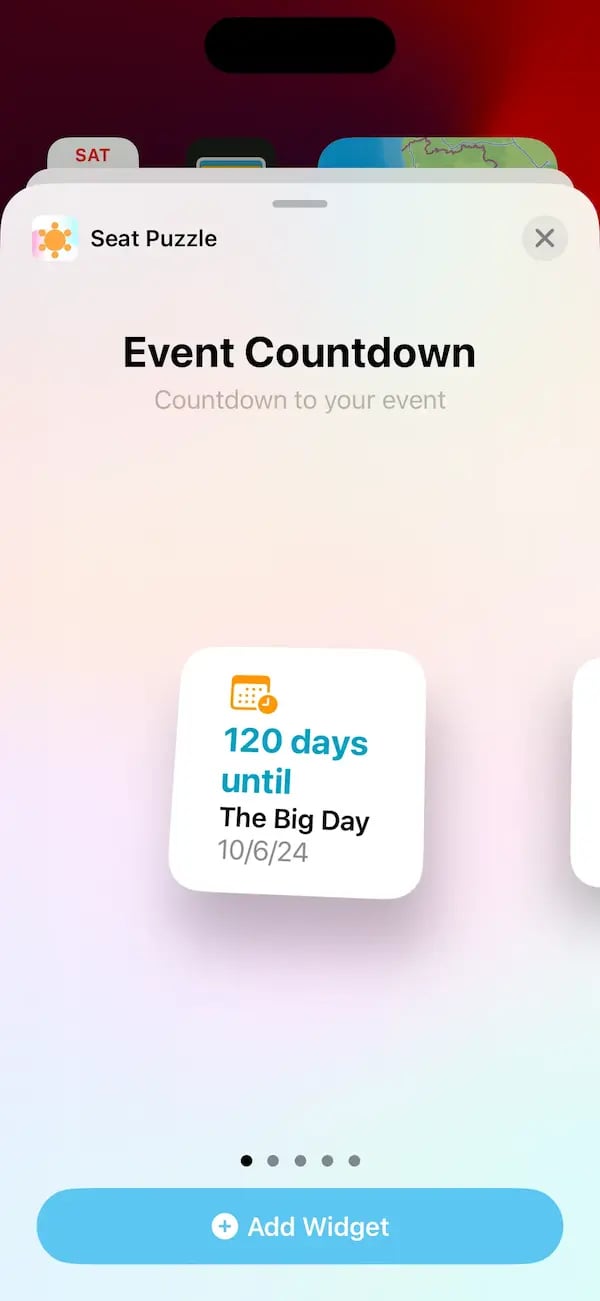
- Touch and hold an empty area of the Home Screen, then choose Edit and Add Widget.
- Find Seat Puzzle, choose its countdown widget and a size, then add it.
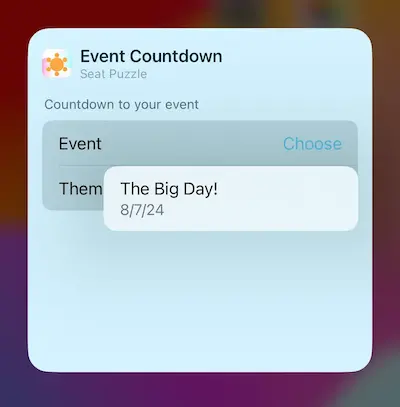
- Edit the widget and select your wedding. You can also choose a theme.
Add a wedding countdown to your iPhone Lock Screen
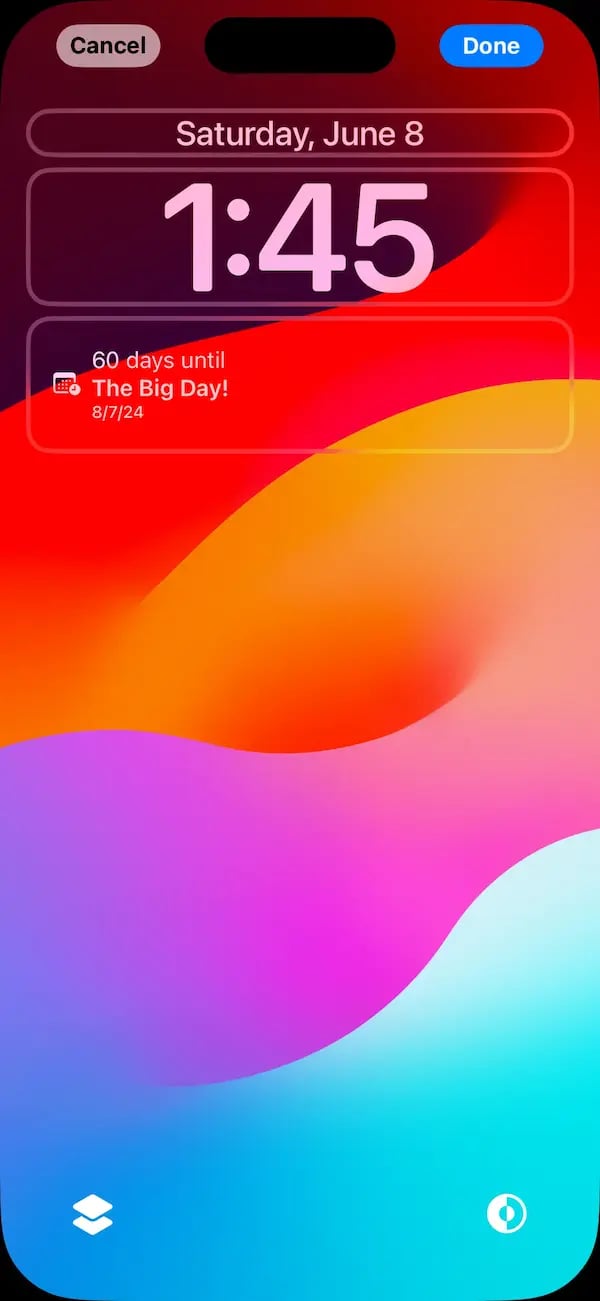
Touch and hold the Lock Screen, then choose Customize. Tap the widget area, select the Seat Puzzle countdown widget, and choose your wedding. Seat Puzzle offers two Lock Screen sizes. See the Seat Puzzle widget demos or Apple’s widget instructions.
Put the wedding countdown on your Mac desktop
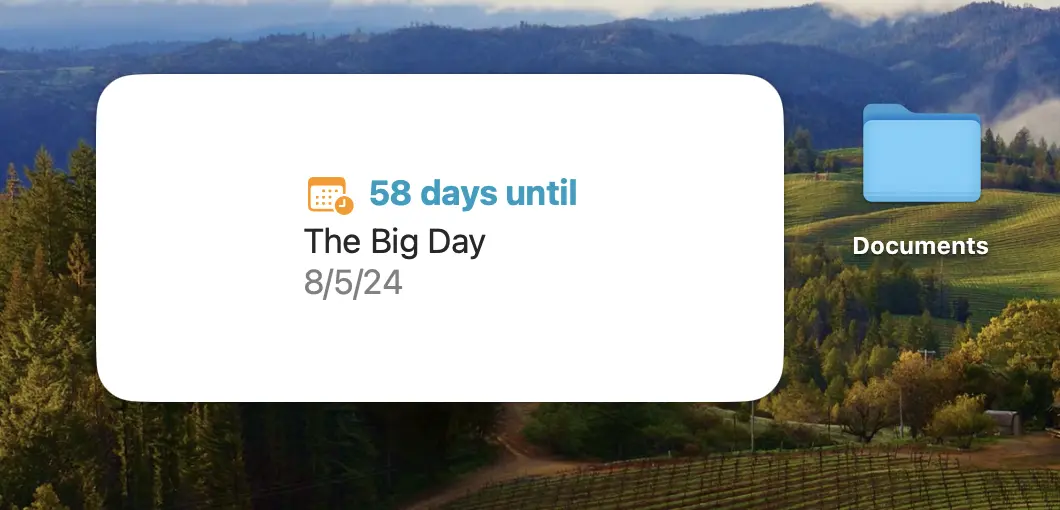
Control-click the desktop and choose Edit Widgets. Find Seat Puzzle and add its countdown widget. Edit the widget to select your wedding. You can also keep it in Notification Center. See Apple’s Mac widget instructions.
Choose a theme or see several events at a glance
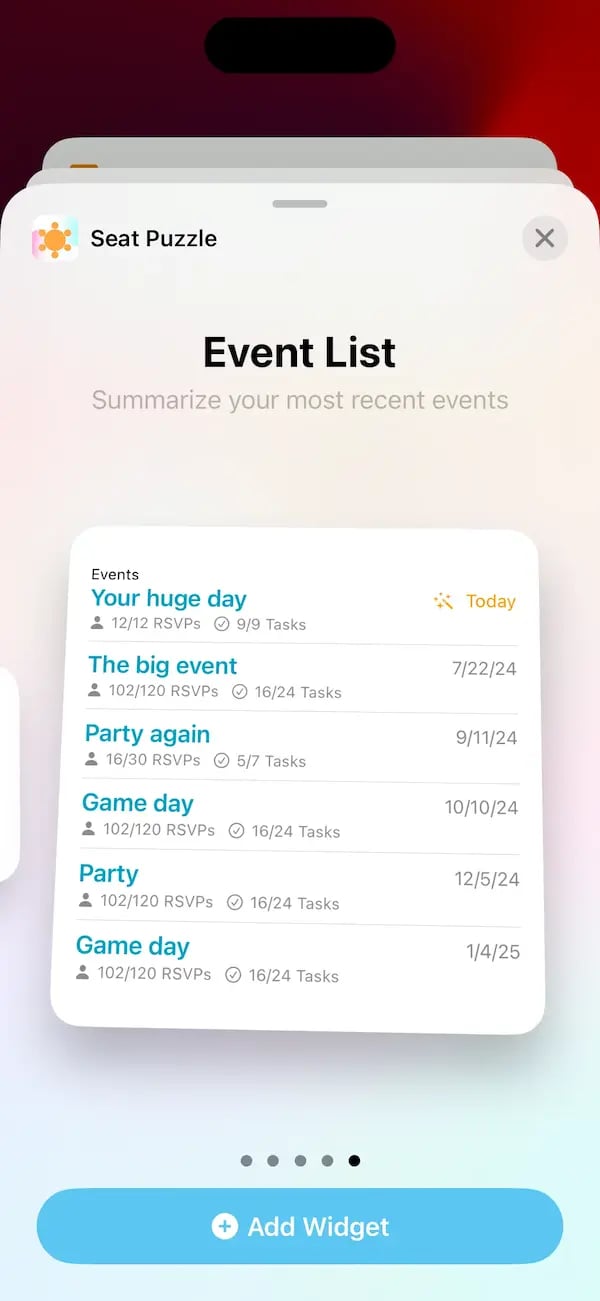
The countdown widget has neutral, grayscale, and orange themes. Seat Puzzle also has an event summary widget and an event list widget, which can help if you’re keeping track of several weddings or events.