
Design a full reception layout without leaving your browser.
Create seating charts, place tables to scale, and keep your guest list organized from anywhere. The web app mirrors the power of Seat Puzzle, now in a fast, collaborative workspace.
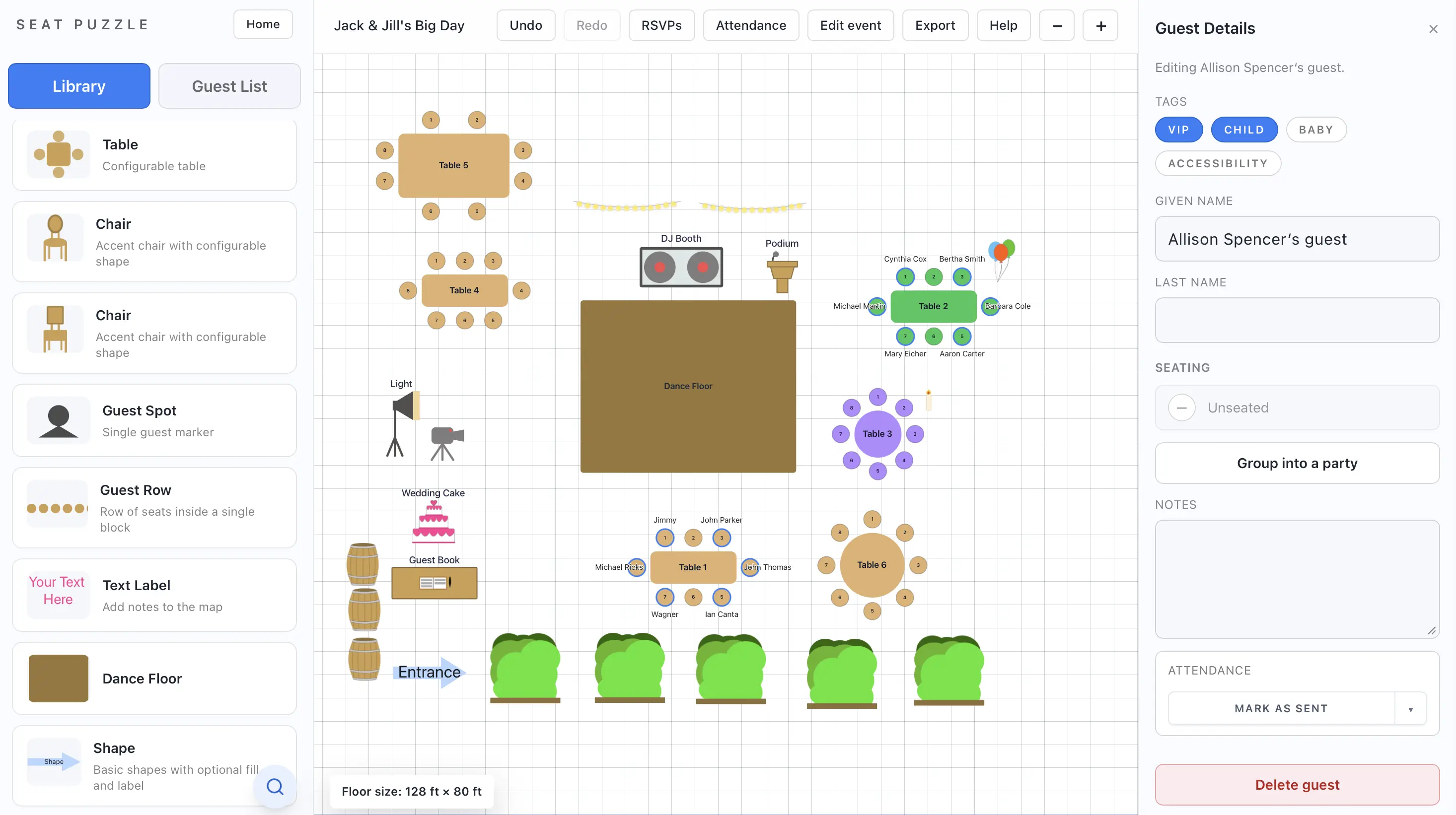
Everything you need to move from rough idea to ready-to-share plan.
The web app is built for fast iteration. Drag a table, assign guests, and see your space come together in real time.
Drag-and-drop layouts
Build a floor plan with flexible table shapes and easy-to-adjust spacing.
Guest list that stays tidy
Track attendance, notes, and meal choices alongside the seating chart.
Export your chart to friends, planners, and vendors
Send an exported floor plan to vendors or planners so everyone sees the latest layout.
A focused workflow that keeps planning calm.
Move through planning in a predictable rhythm without wrestling with spreadsheets or a blank canvas.
Drop in tables, stages, and key spaces with precise sizing.
Seat groups quickly and balance table dynamics with ease.
Share a clean layout with your friends, planner, vendors, or team before the walkthrough.
Designed for planners who want clarity, not chaos.
“Seat Puzzle gives me a single place to test ideas fast and show clients a polished, professional floor plan without extra software.”
Event planner, North Carolina“We mapped every table before the venue walkthrough.”
“I was the bride and needed to see how family groups would fit. The web version made it easy to move people around without endless spreadsheets.”
Bride, California“Perfect for our reunion dinner.”
“I planned a 60-person friends’ reunion and needed a quick layout to share with our venue. Seat Puzzle kept everything organized and clear for the staff.”
Friend organizing a reunion, OhioReady to build your first seating chart?
Start with a blank canvas or import your guest list. The web app is ready whenever you are.