
Manage your account emails and membership
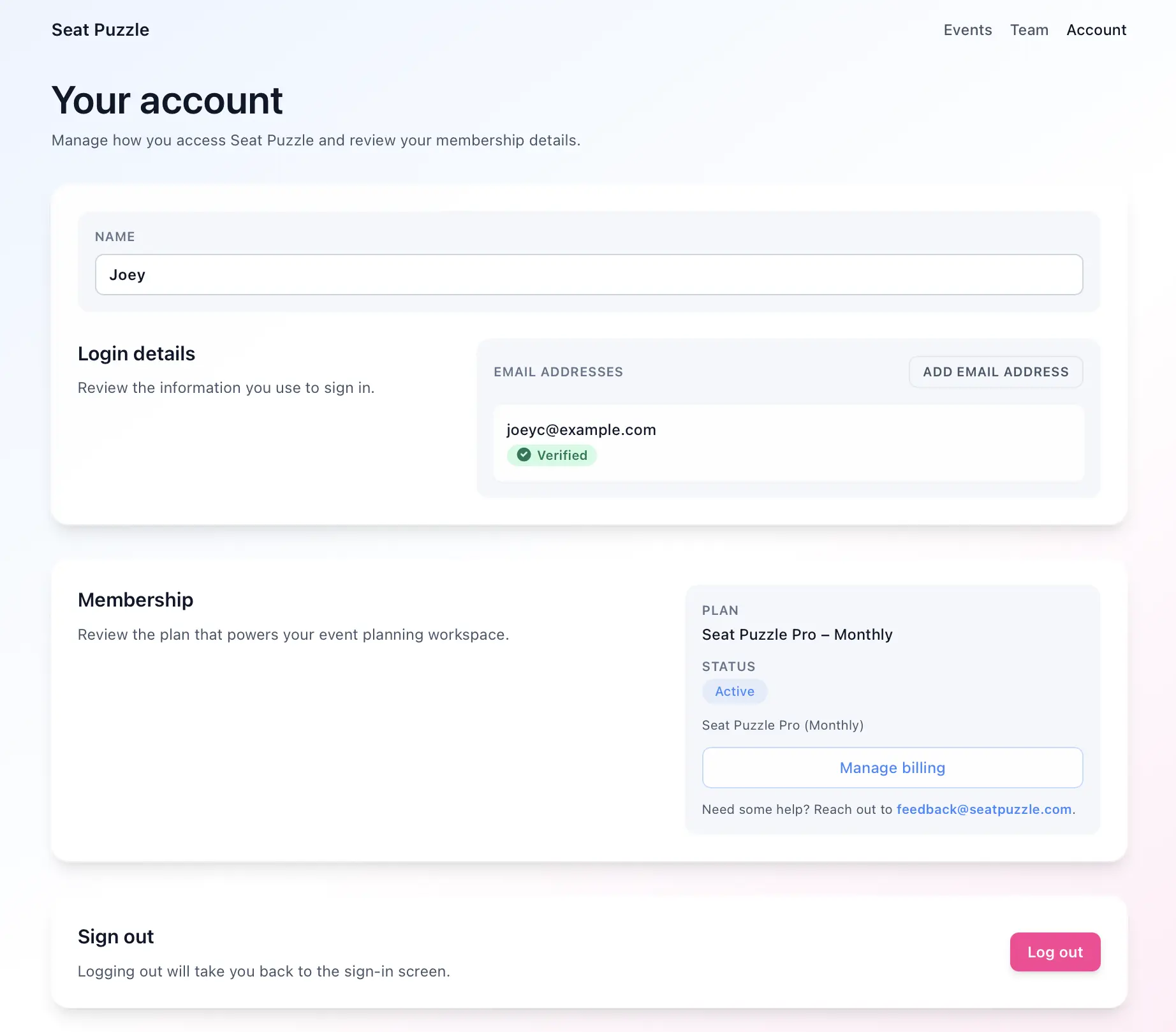
The account page is where you manage your profile, login emails, and membership details.
- Open the account page.
- Update your display name.
- Review the email addresses on your account.
- Add multiple login email address.
- Verify a pending email or resend its verification email.
- If Seat Puzzle warns that an email is unreachable, use the retry option after fixing the destination mailbox.
- Review your membership details and open billing management if you are an owner of your organization.
Important account behavior
- You cannot remove your only verified email address from the account.
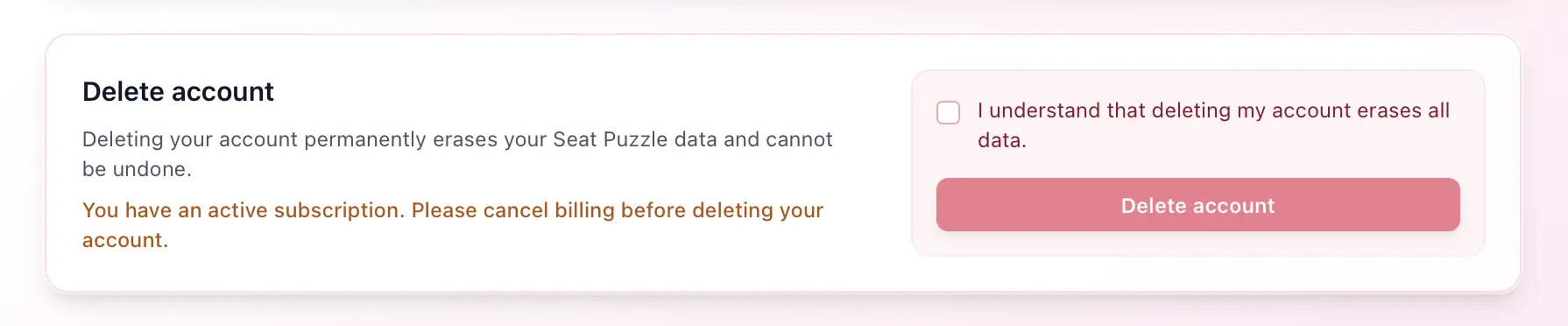
- To delete your account, please cancel any active subscriptions, first.
- Logout will erase all event data from your browser, but it will be safe and restored if you log in again.