
Invite teammates to your organization
Organizations let teams work under shared ownership and role-based access.
Admins can invite new members and.
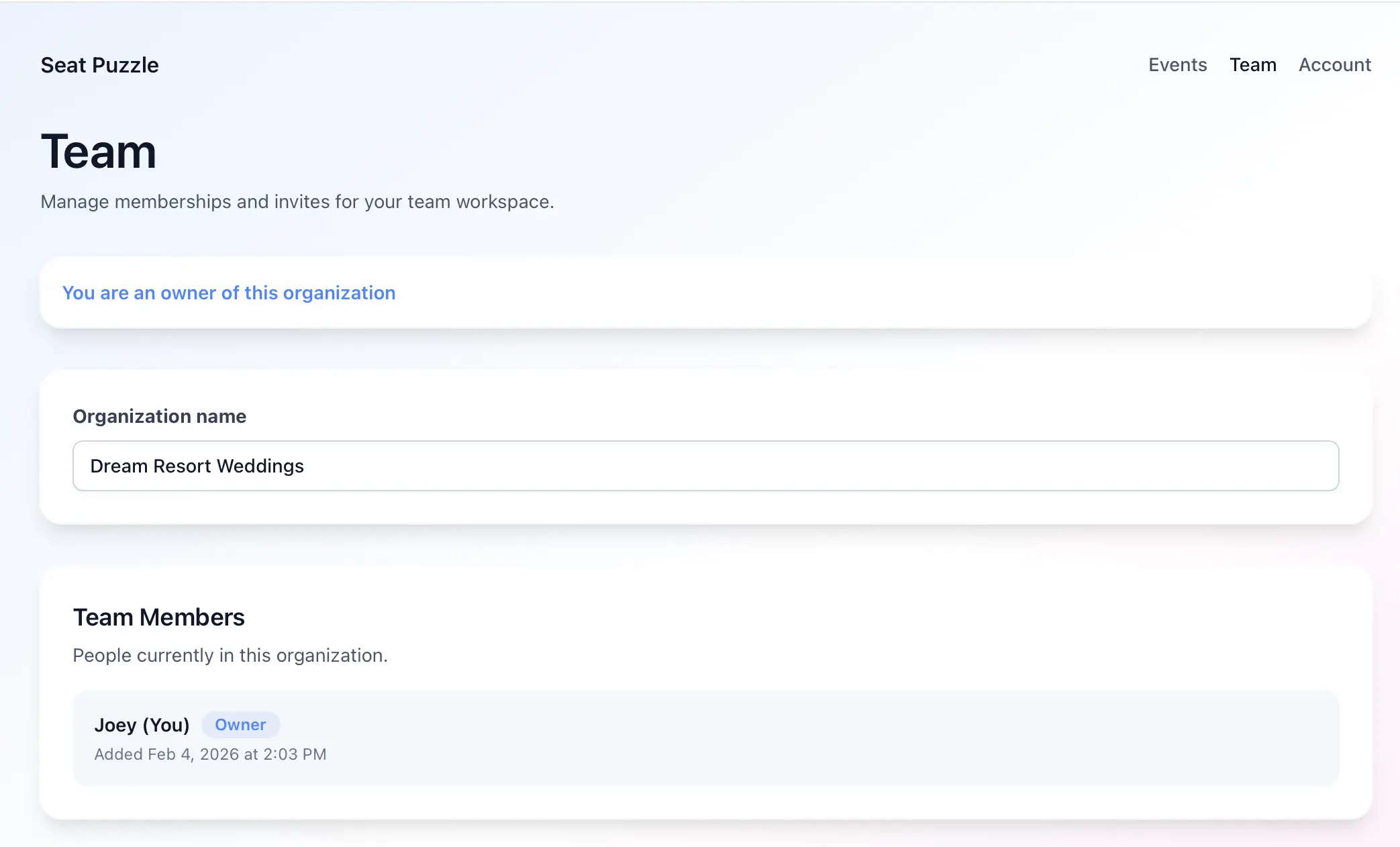
- Open your organization settings from the Team navigation link on your homepage.
- Review current team members and outstanding invites.
- Admins can invite new members to the team with just an email address.
- Admins may also remove members or cancel pending invites later if your role allows it.
Roles and limits
- Organizations and team invitations require an active organization-tier plan, not a standard individual membership.
- Visible roles include Owner, Admin, and Member.
- Invite management is limited to users with the right organization permissions.