
Publish, share, and test your RSVP page
Open your event and select RSVP · Draft in the planner toolbar.
- Open Guest page and choose a URL, deadline, optional password, and optional banner photo.
- Switch between the Lookup and Form previews.
- Resolve every item under Ready to publish. Publishing requires at least one guest and an answerable set of questions.
- Select Publish.
- Open the public URL in a new tab, or use Copy or Share.
Test the link before sending it by entering Sarah Puzzle. This test RSVP always completes successfully and does not save a response. You can also enter a guest name exactly as it appears in your guest list to test their real RSVP.
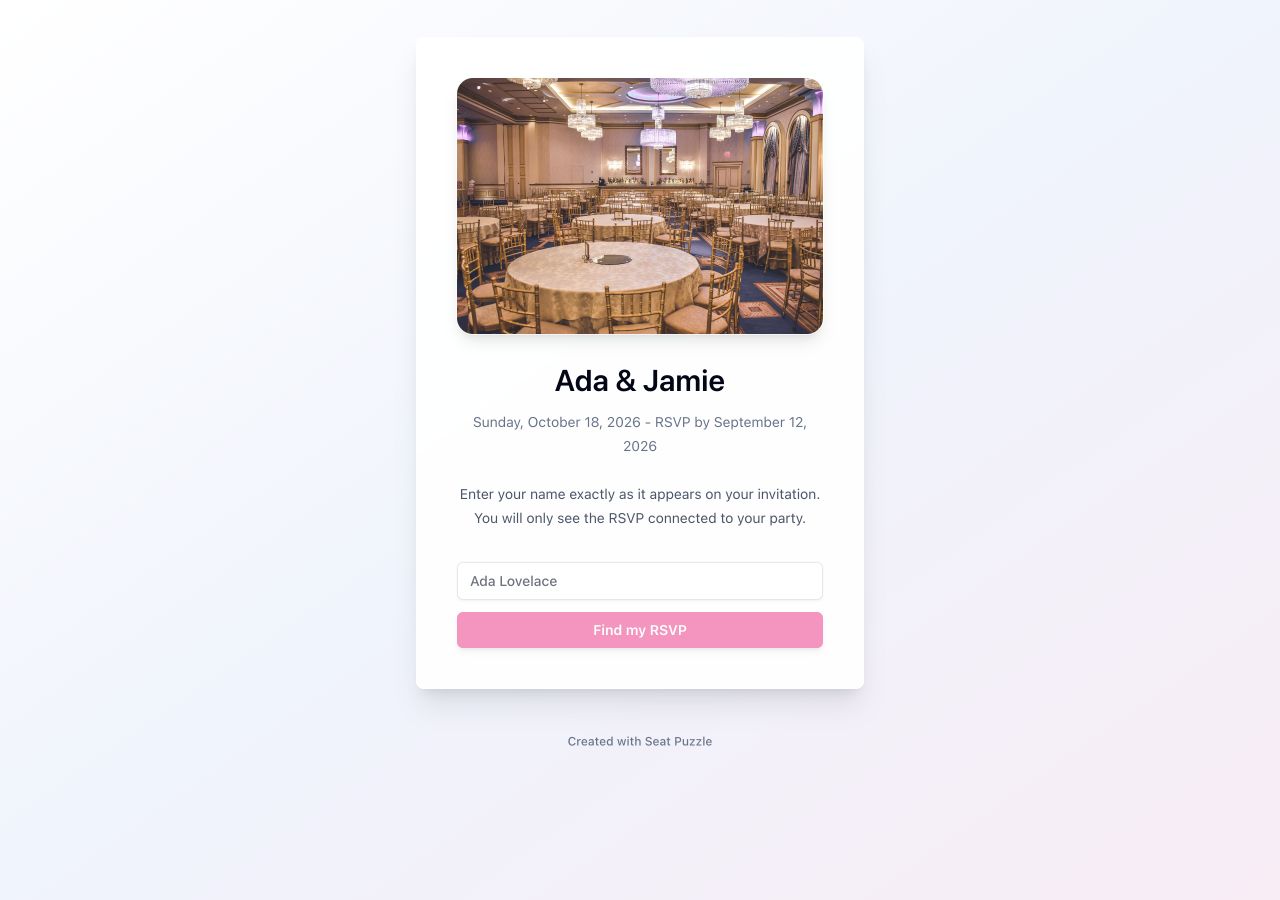
You can edit page settings while it remains live. Use Unpublish only when the URL should stop accepting lookups immediately.