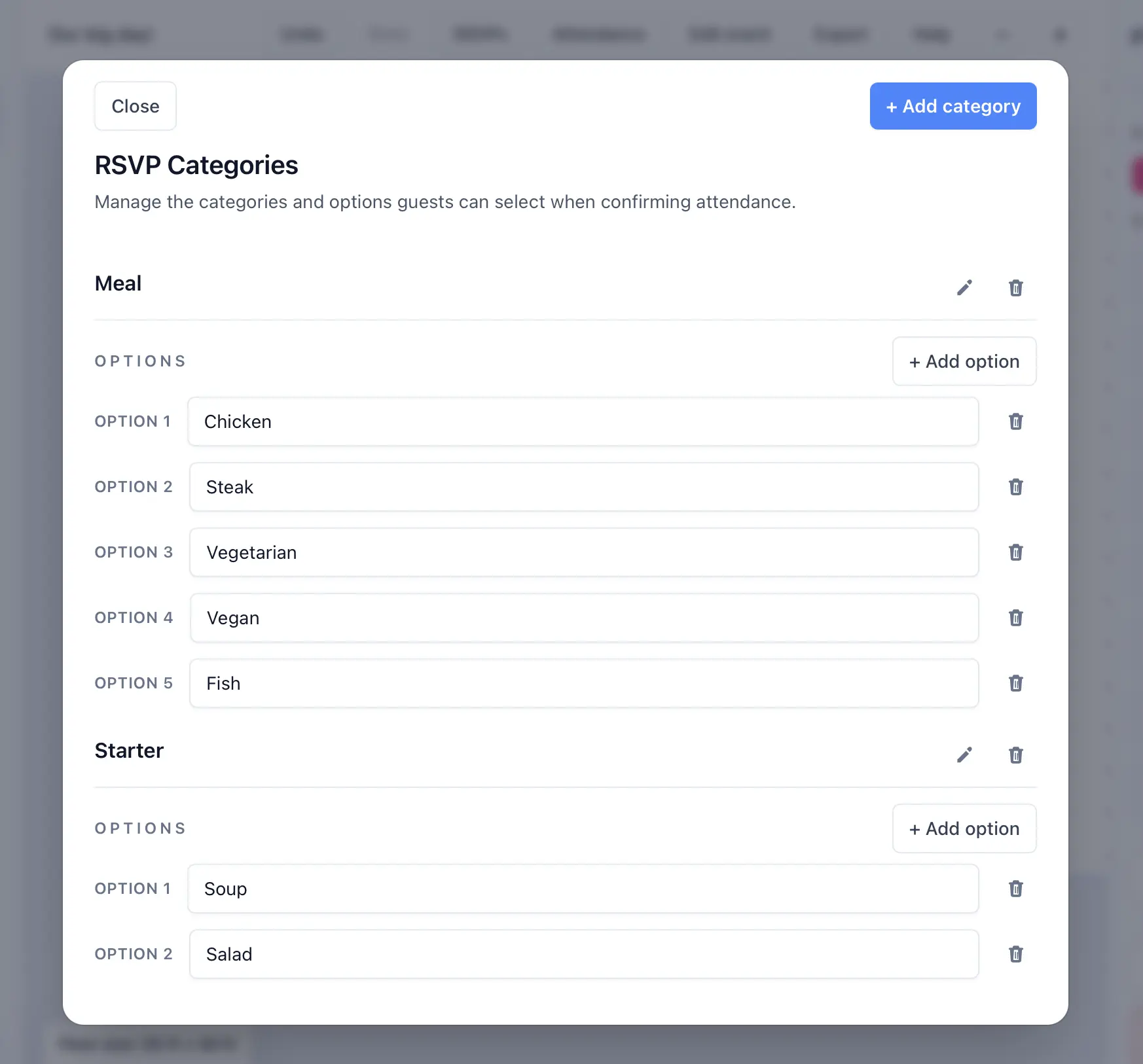
Configure RSVP questions
Attendance is included automatically. Add questions only for the other details you need, such as meals, dietary needs, transportation, or song requests.
- Open your event and select RSVP · Draft or RSVP · Live in the planner toolbar.
- Open Questions.
- Choose a suggested question or select Add question.
- Choose whether each guest answers separately or the party shares one answer.
- Choose an answer type and add at least one option for single- or multiple-choice questions.
- Mark the question required only when every attending guest or party must answer it.
Guests who decline are not asked custom questions. Required party questions apply when at least one party member attends.