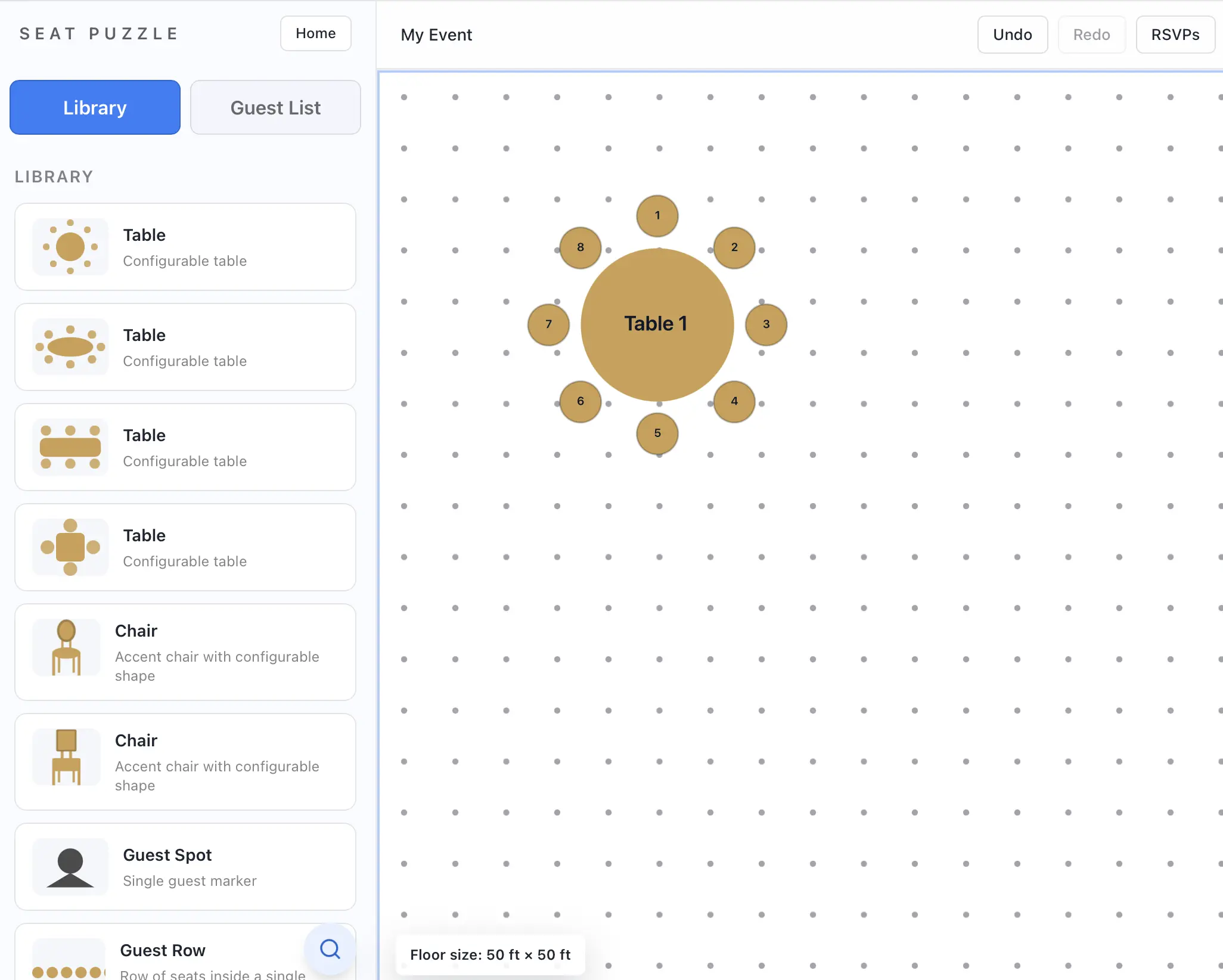
Add tables, decor, and structures from the library
The item library is where you add seating, decor, structures, and other floor items to your floor plan.
- Open the item library tab in the planner sidebar.
- Browse by category or use search to find a specific item.
- Select the item you want to place.
- Drag it to the floor plan canvas.
- Repeat with other items until the layout matches your space.
Library notes
- The web app includes built-in families such as seating, banquet items, decor, structures, amenities, and furnishings.
- Some items have multiple variants you can switch between after placing them.