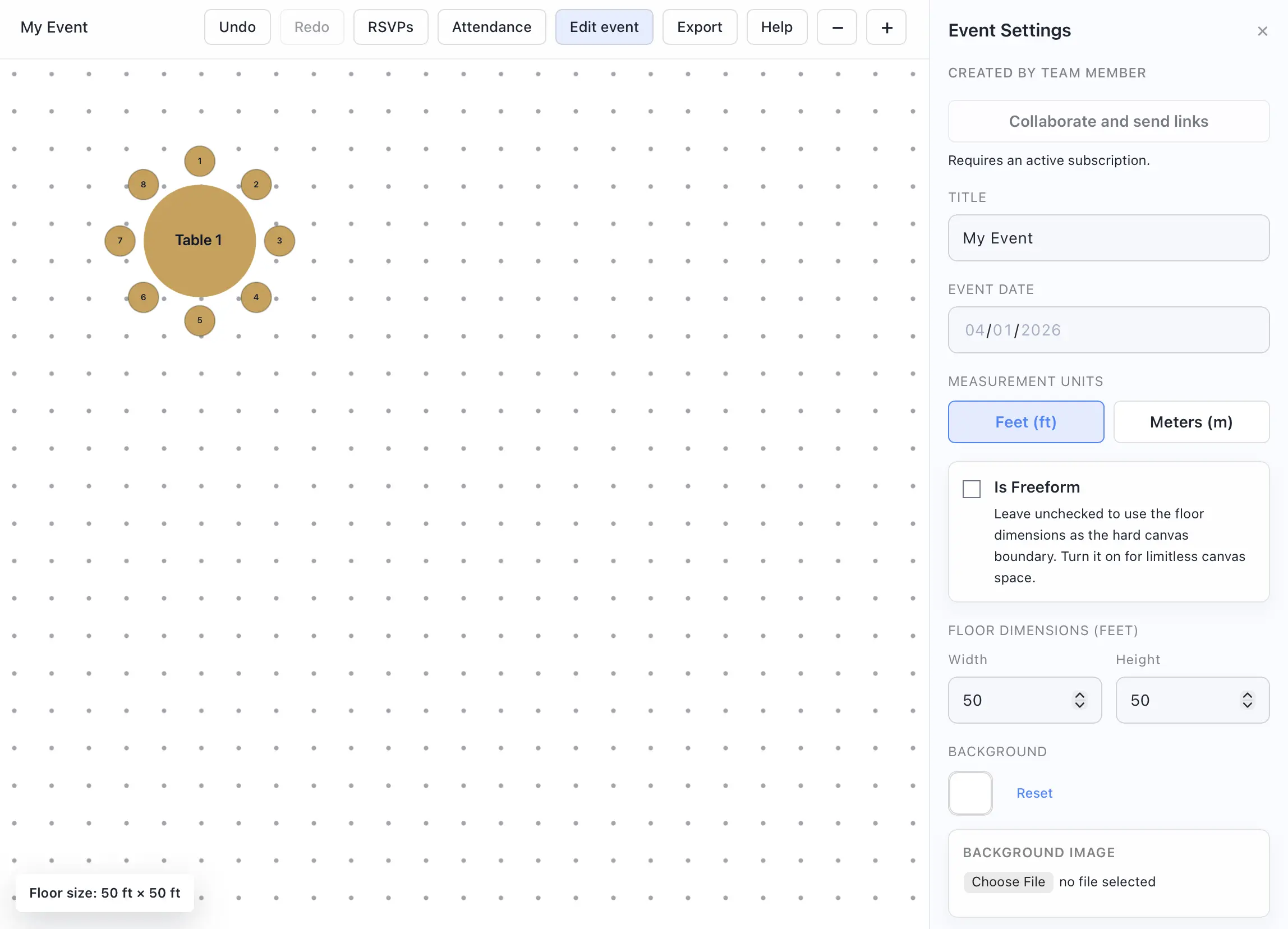
Change floor size, units, and background imagery
Use event settings to customize the settings and venue of your event.
- Open the event settings for your event.
- Rename the event or set the event date if needed.
- Change the measurement units between feet and meters.
- Adjust the floor width and height when you are using bounded floor mode.
- Change the background color.
- Upload a background image if you want to trace over a venue diagram or room layout.
Important behavior
- When you upload a template image, Seat Puzzle can adjust the floor width to preserve the image aspect ratio.
- An image template background fixes your floor plan to the aspect ratio of your selected image.
- If your event floorplan looks black, check the selected background color, uploaded venue image, and your device dark mode settings.