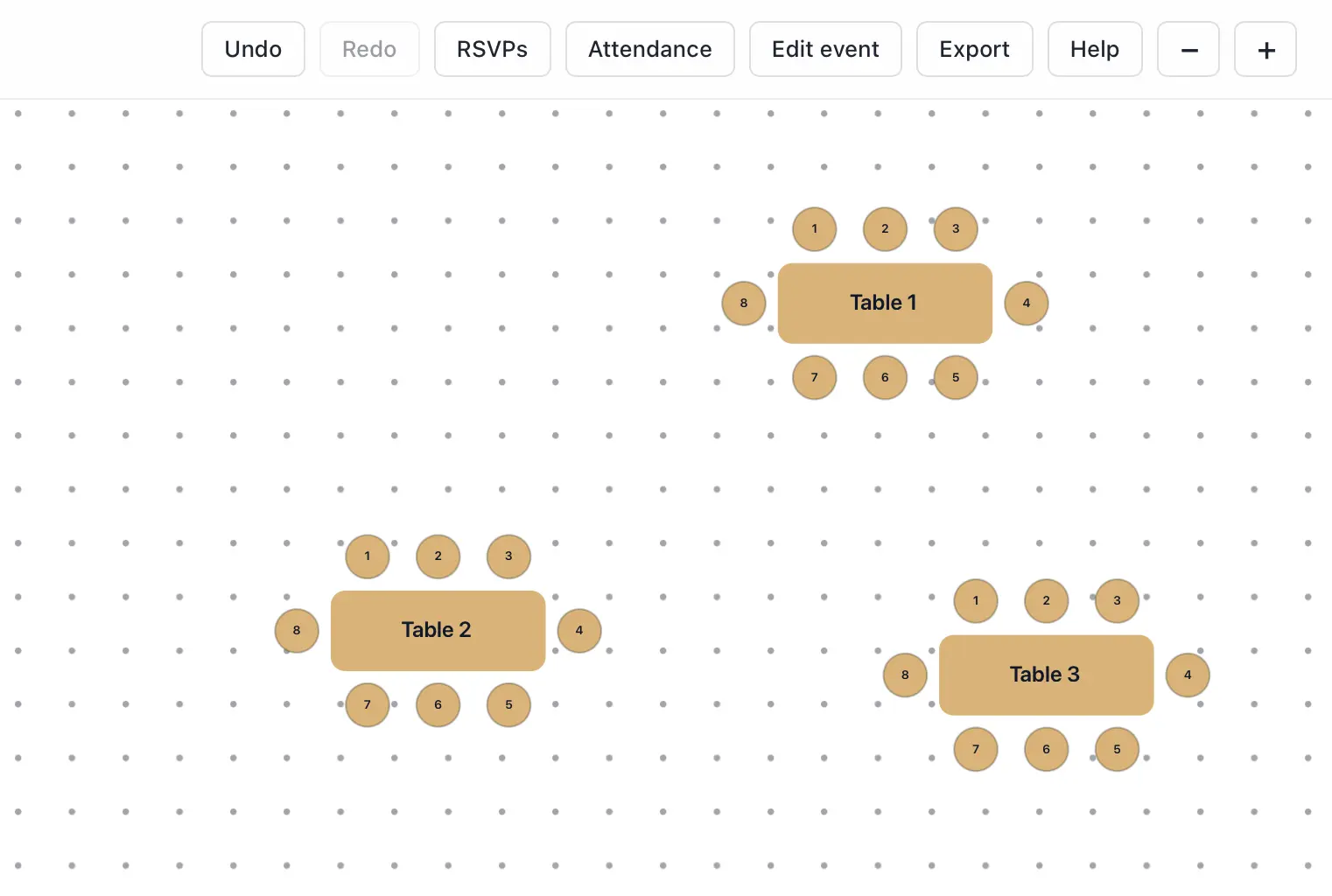
Export a floor plan as PNG image
Seat Puzzle can export the current floor plan layout as an image from the planner UI.
- Open the event in the planner.
- Use the export action in the top-right toolbar.
- Wait for the PNG export to finish, should only take a few seconds!
- Find the file in your downloads folder and share the generated file.