
Create and manage events
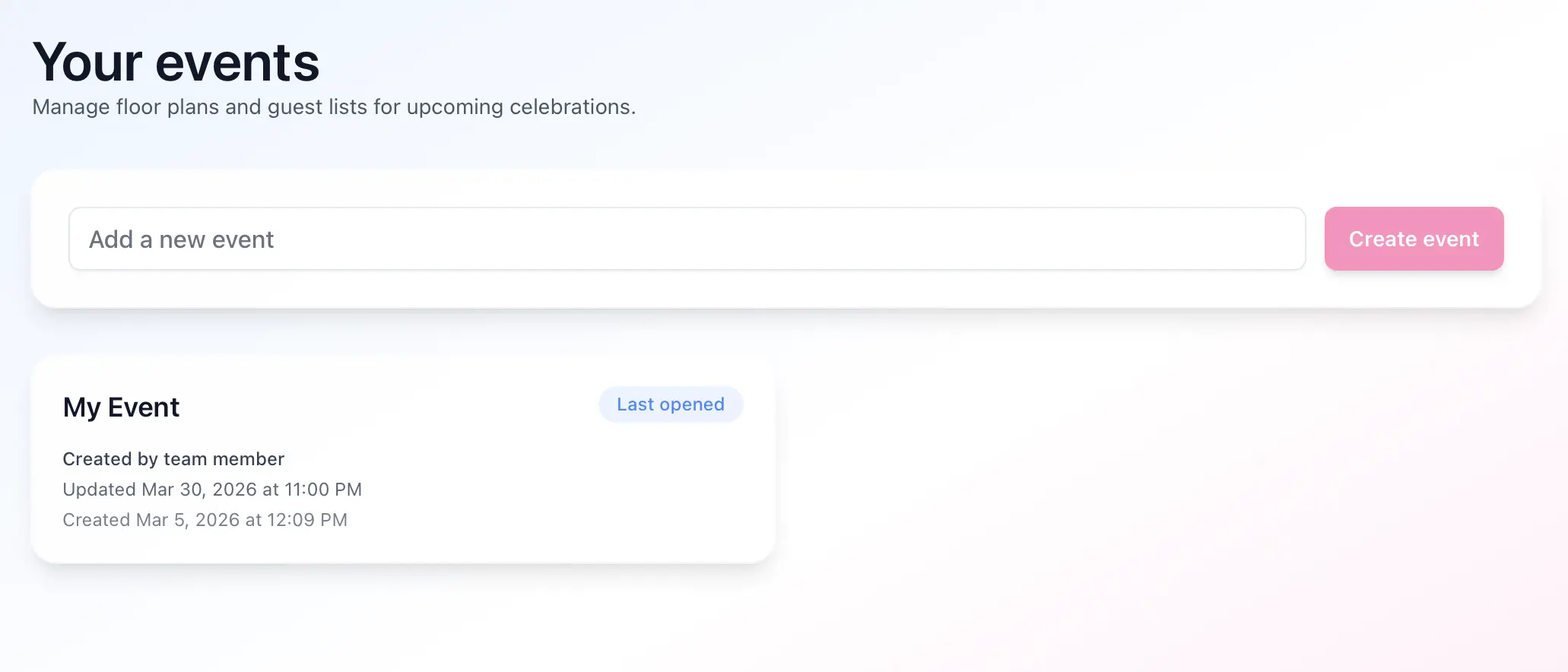
The events page is your starting point for creating and finding your work.
- Open the events page.
- Click an existing event to reopen it, or use the create action to start a new one.
- After opening an event, Seat Puzzle remembers it and may return you to that event the next time you sign in.
Notes
- An active subscription is required to create multiple events.