Create your first event
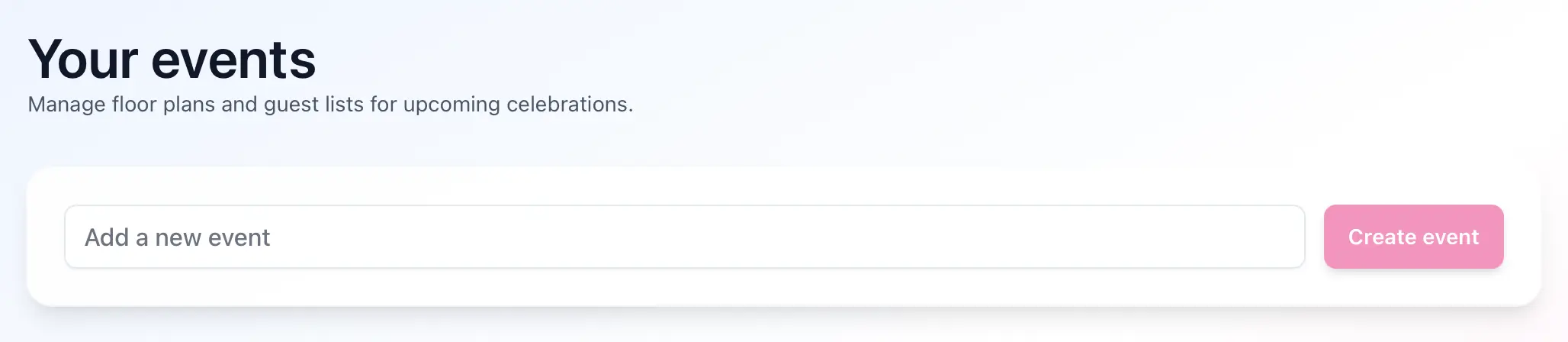
If your account does not have any events yet, Seat Puzzle starts with a first-event onboarding flow.
- Open Seat Puzzle and enter your event name on the first-event screen.
- Create the event to continue.
What to expect
- New accounts are redirected into onboarding automatically.
- After setup, Seat Puzzle opens the new event in the planner workspace.