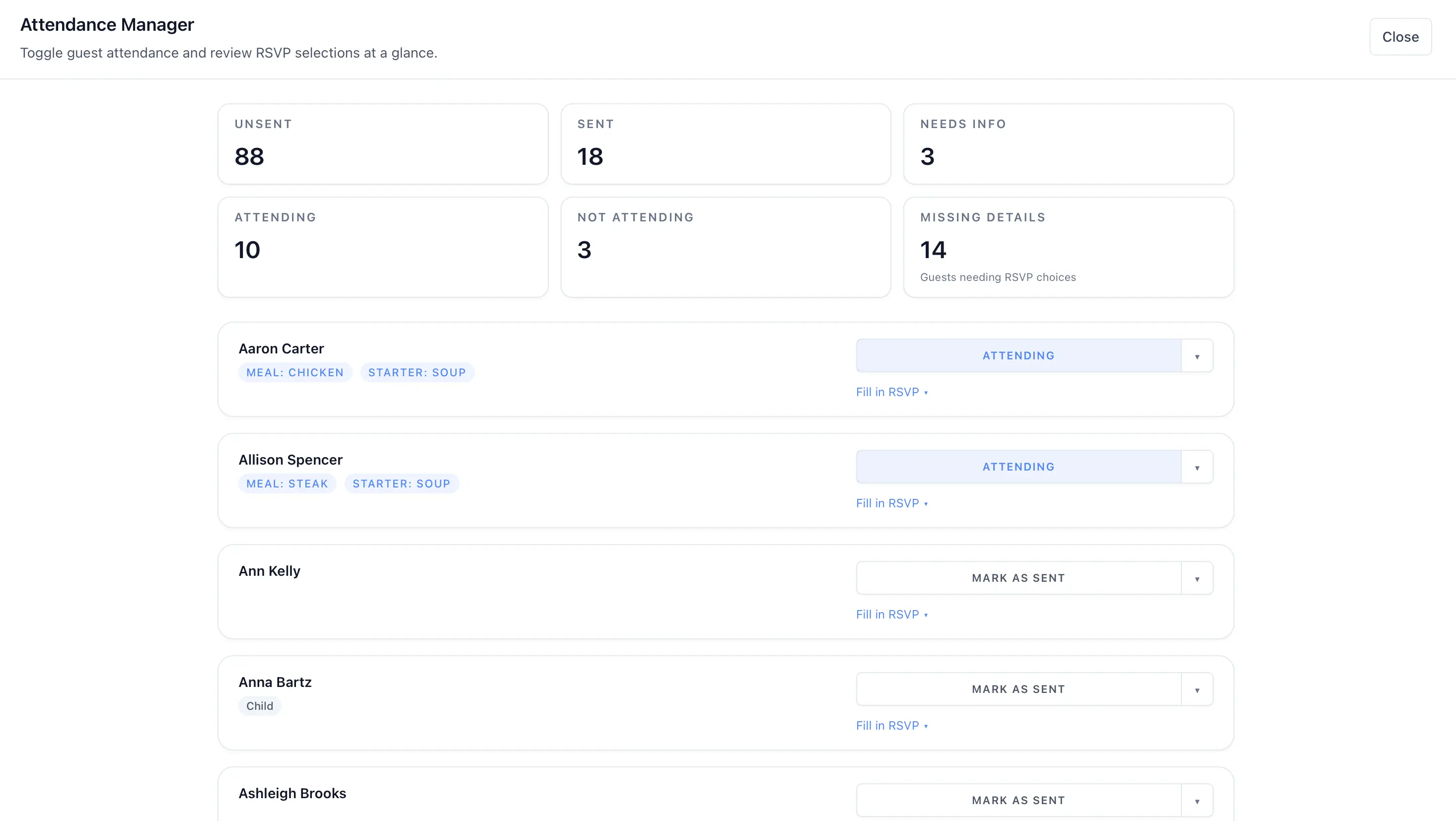
Track invitation status and attendance
The attendance tools help you review who has been invited, who replied, and who is attending.
- Open the attendance manager from your guest tools.
- Review the summary counts for each status.
- Filter the list to focus on a single state such as pending or attending.
- Use the missing-details filter when you want to find incomplete records.
- Update a guest’s attendance status inline.
Statuses you can review
- Unsent
- Sent
- Pending
- Attending
- Not attending
If you also use RSVP categories, the attendance view can help you review which guests still have missing RSVP responses.