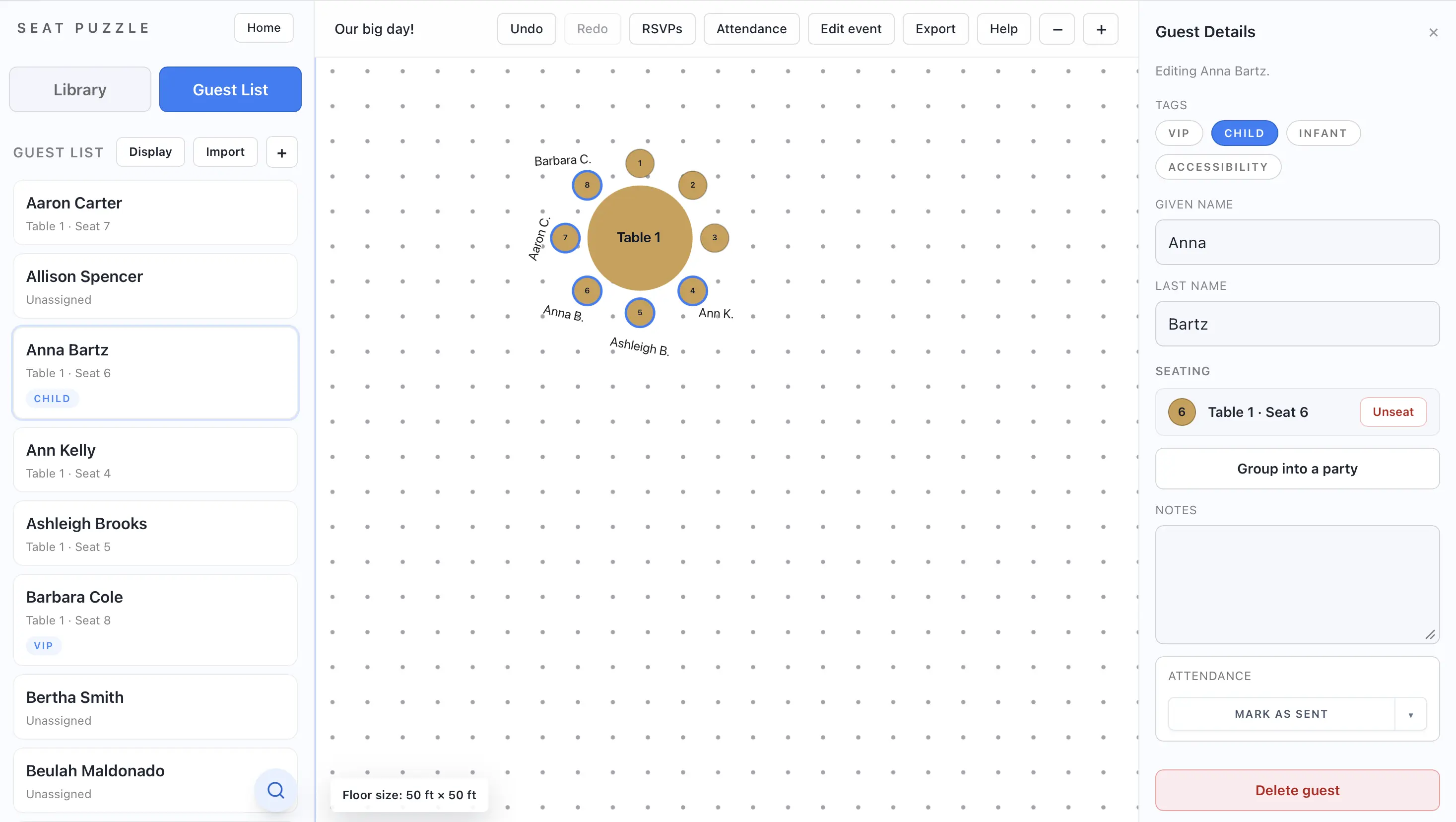
Create guests and assign them to seats
Use the guest list tools to create guests, keep records organized, and connect people to seats.
- Open the guest list tab.
- Add a new guest and enter the basic details you want to track.
- Save the guest record.
- Assign the guest to a seat by dragging them onto a seat or by using the seat picker from a table or seat.
- Open the guest again later if you need to unassign, unseat, move, or update them.
Guest record details
- You can store first name, last name, notes, tags, party membership, and attendance-related information.
- The guest list supports search to help you find people quickly by name. Just click the magnifying glass at the bottom.
- If someone should stay on the guest list but no longer needs a chair, clear their seat assignment instead of deleting the guest.