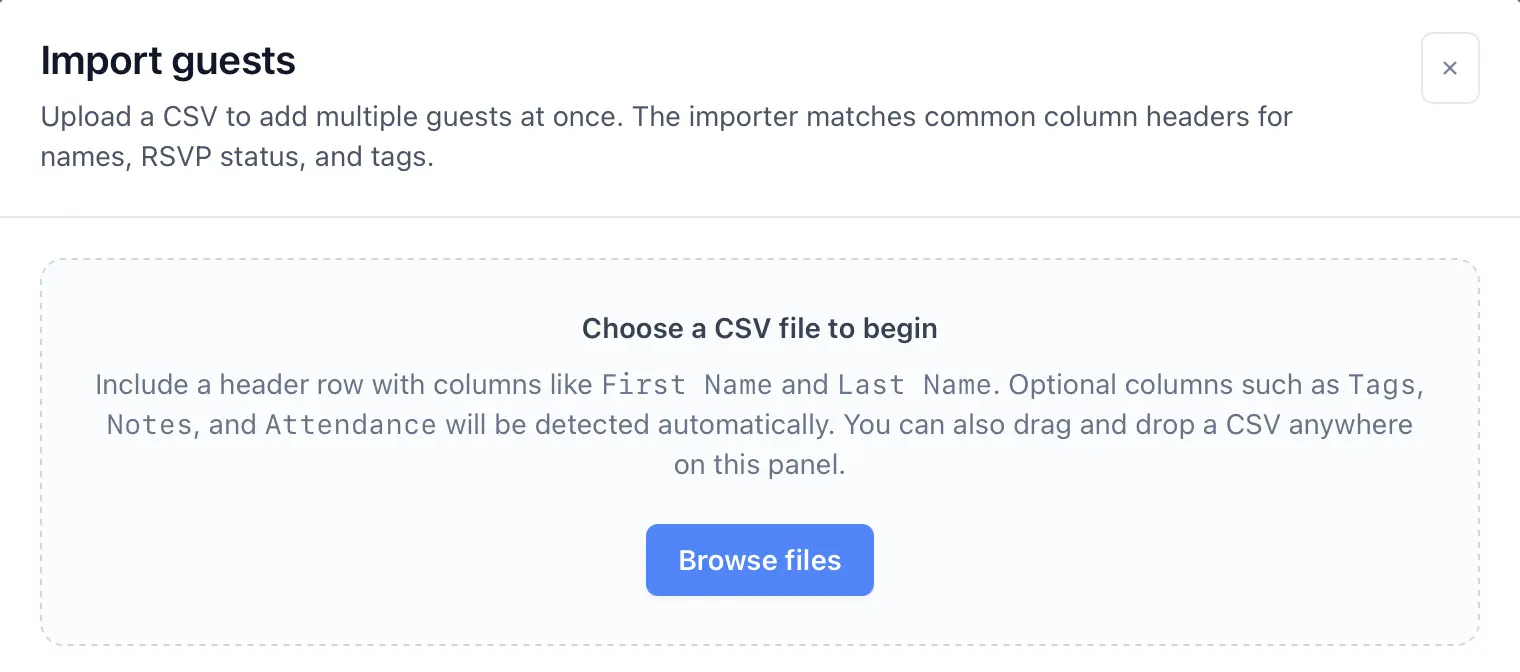
Import guests from CSV
CSV import is the fastest way to bring an existing guest spreadsheet into the web app.
- Open the guest import flow from the guest list.
- Choose your CSV file or drag it into the upload area.
- Review the import preview and confirm the detected columns.
- Check any rows that were skipped or flagged for missing required data.
- Complete the import and review the created and skipped counts.
CSV tips
- Common first-name and last-name headers are detected automatically.
- The importer can also recognize notes, attendance values, and tags.