Lay out your venue
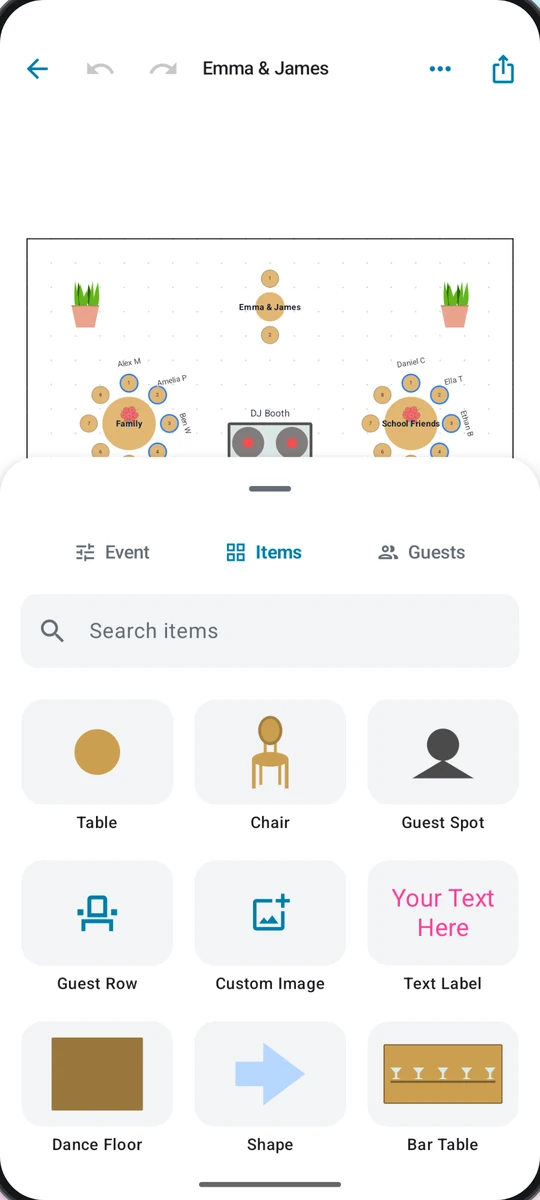
Place tables, chairs, and a dance floor to map out how the room will work.

Seat Puzzle
Available on the App Store
Lay out your venue, assign guests to seats, and see who’s coming, all from your Android phone or tablet.

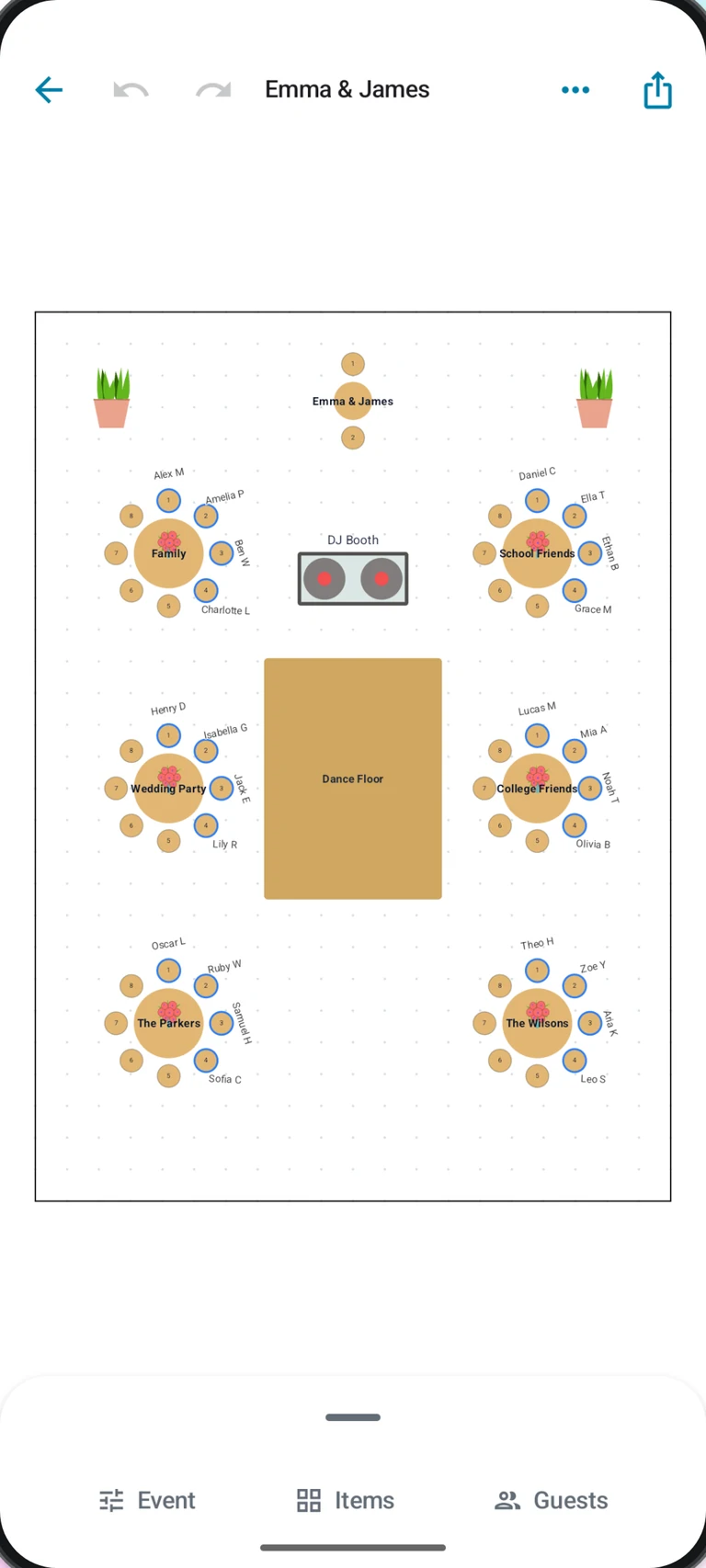
Place tables, chairs, and a dance floor to map out how the room will work.
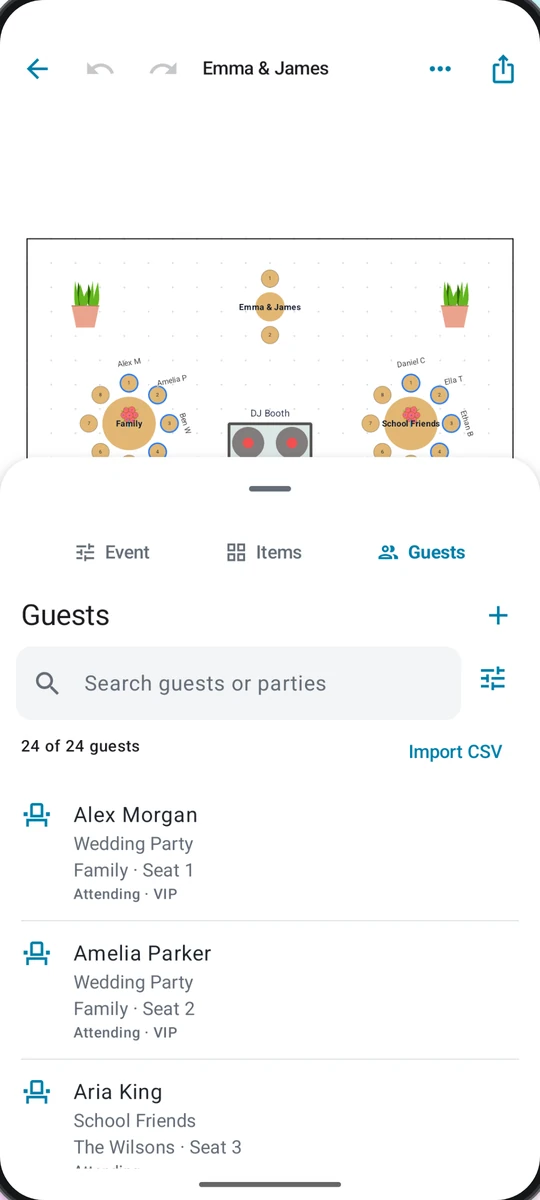
Import your guest list from a spreadsheet, group guests and plus-ones, and assign them seats.
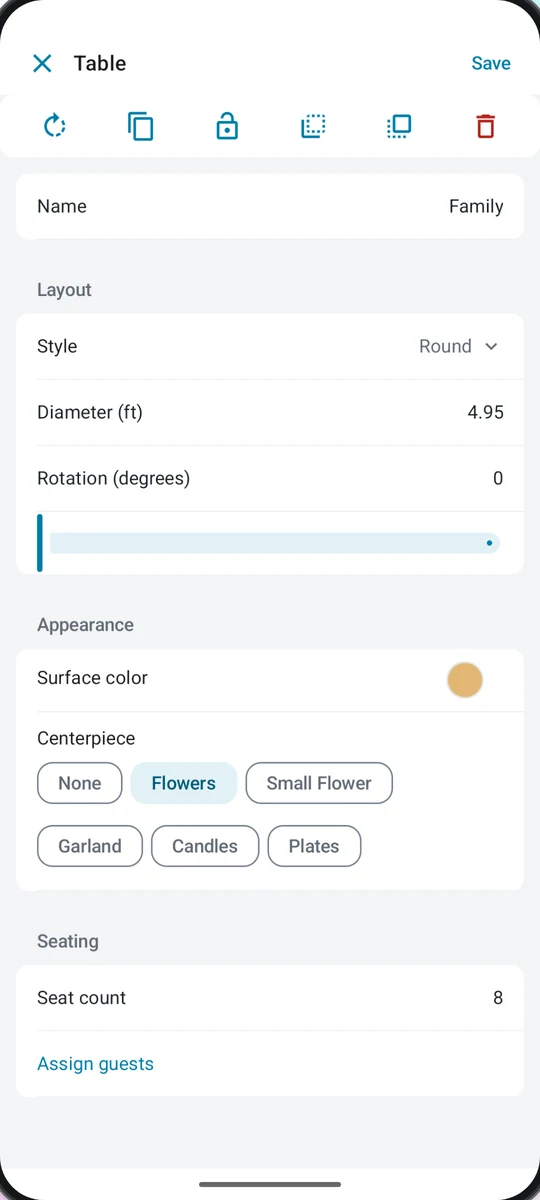
Set each table’s shape, dimensions, and seat count to match your venue.
Export your floor plan as a PDF or image to send to your planner or venue. You can also keep editing offline and sync through your Seat Puzzle account when you’re back online.