How to add your own image as a floor item
- Open your event and tap Items.
- In the Common section, tap Custom Image.
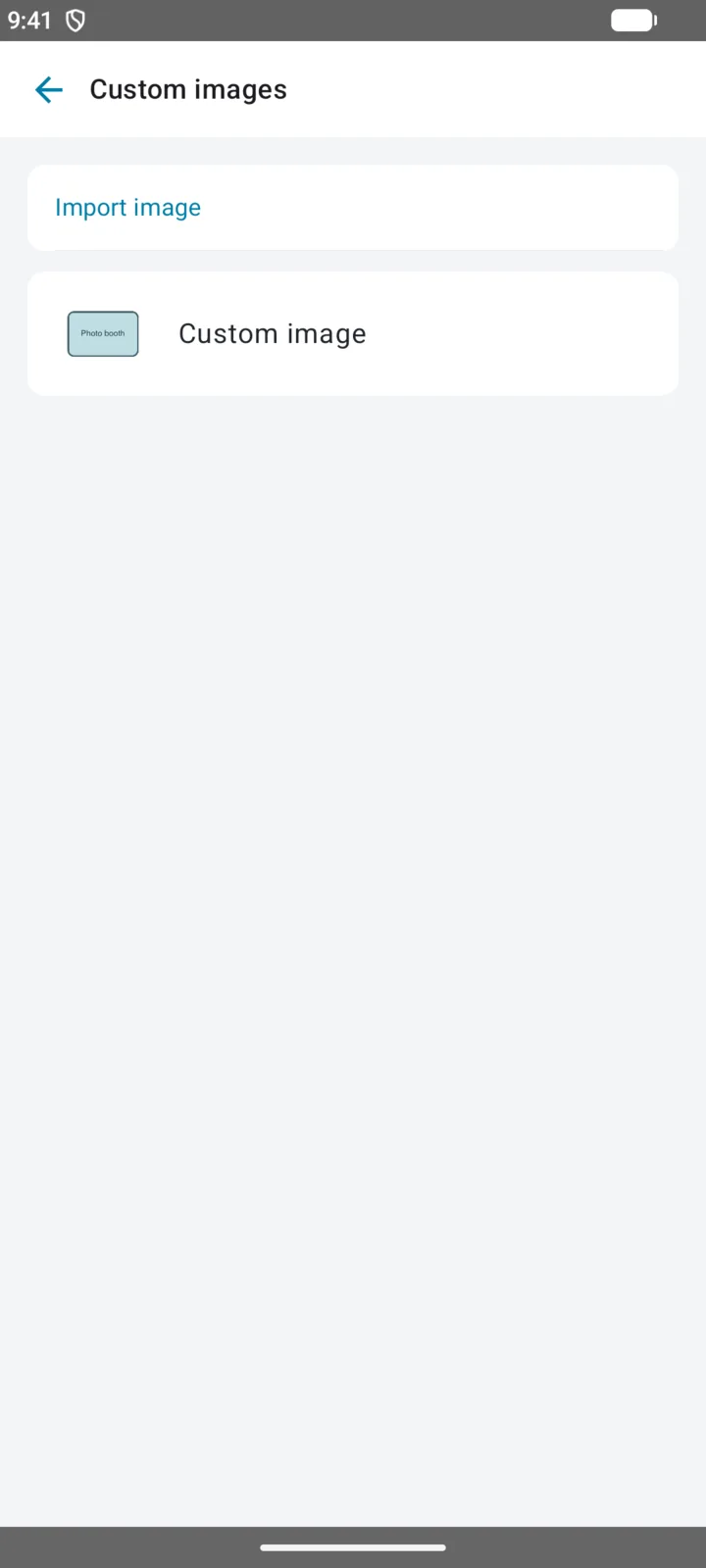
- Tap Import image and select the file in the Android file picker.
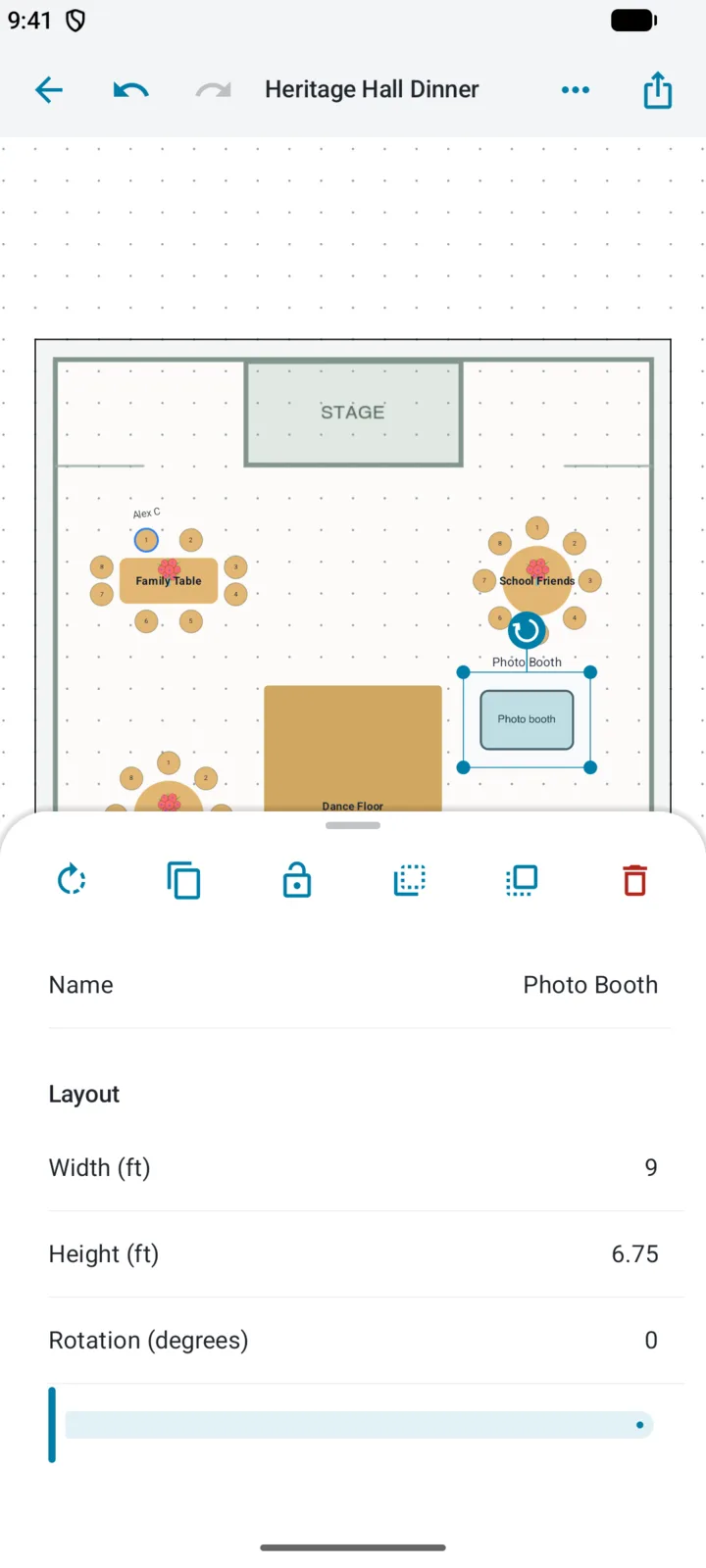
- Drag the new item into place. Use its Layout settings to enter a width or height.
To place the same image again, go back to Items → Custom Image and tap its thumbnail.