How to use a venue image as the floor plan background
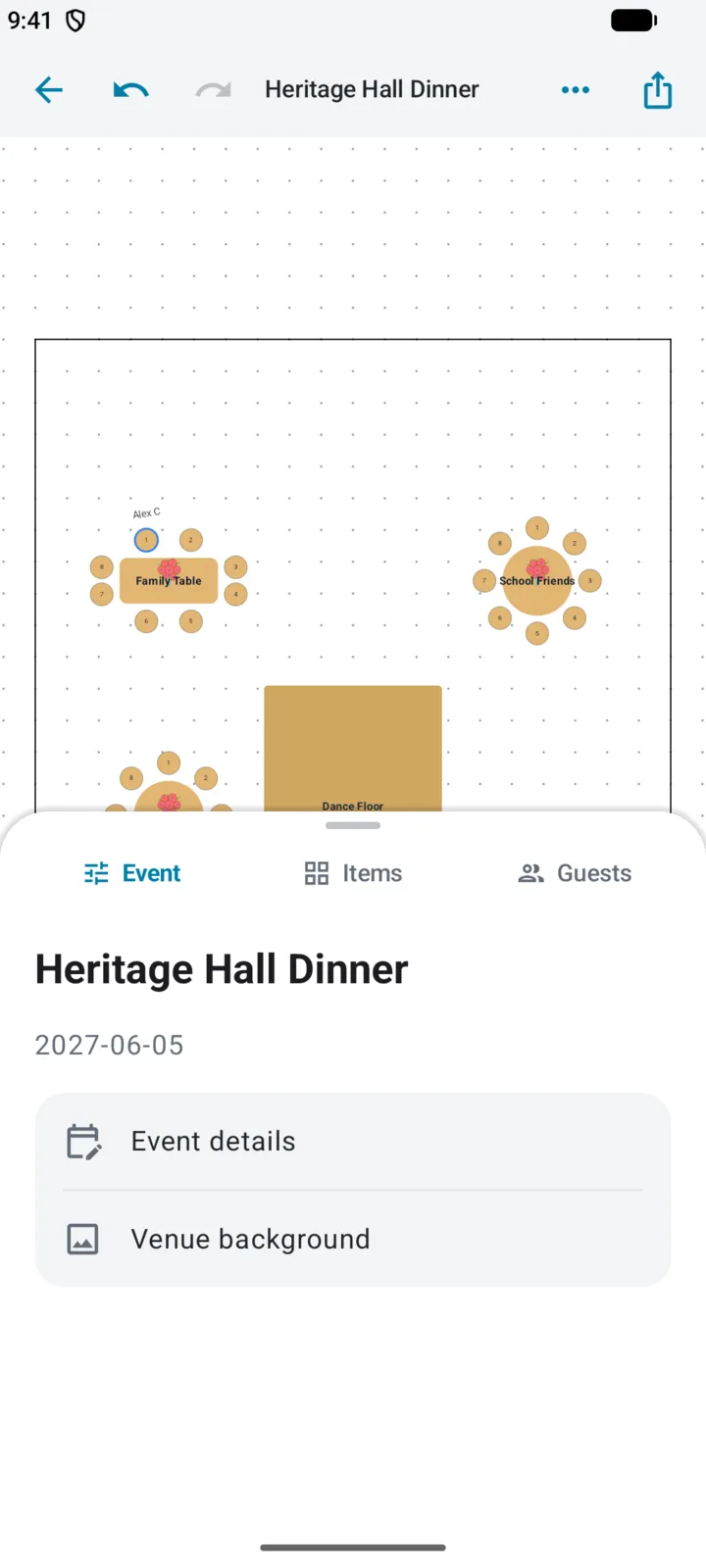
- Open your event and tap Event at the bottom of the planner.
- Tap Venue background.
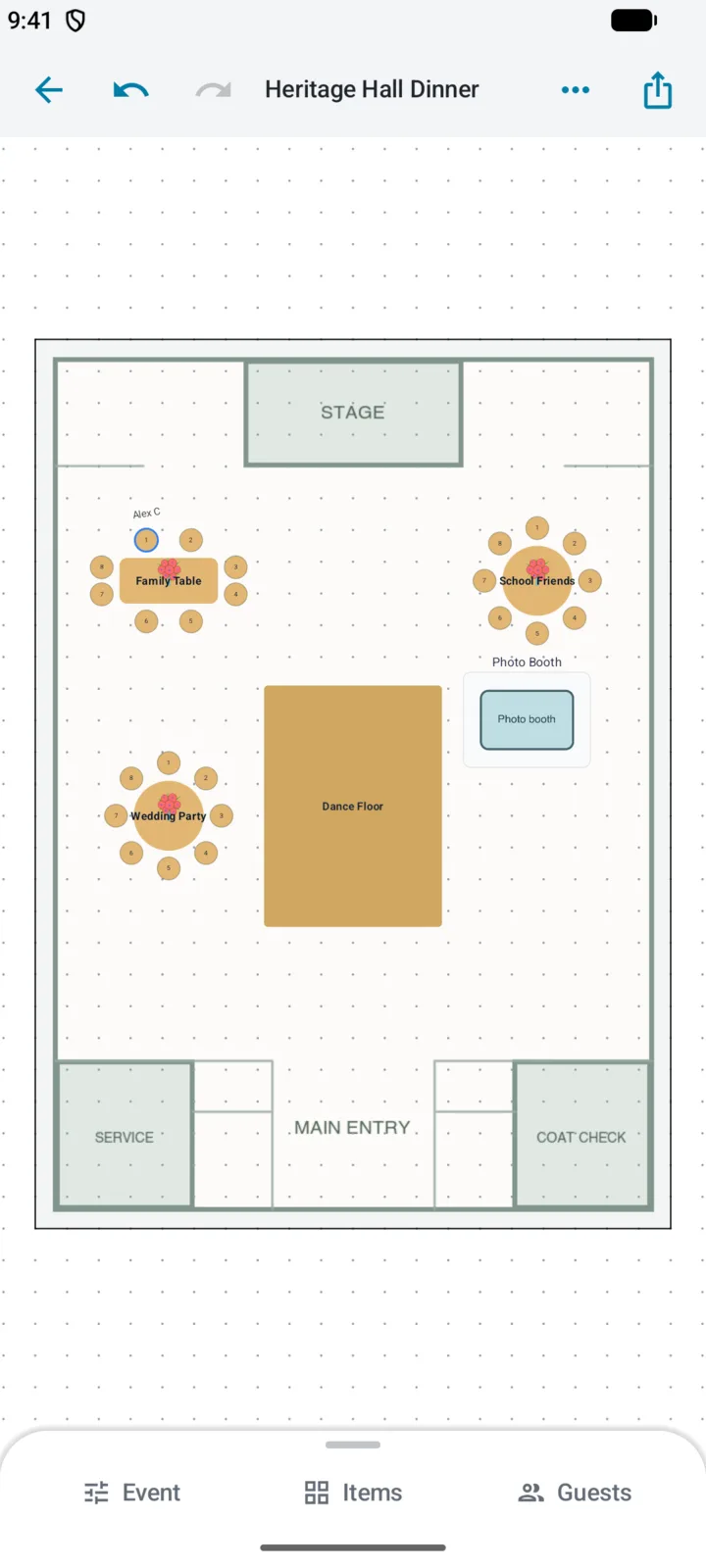
- In the Android file picker, choose the image. It appears behind the items on the floor plan.
To use a different image, tap Venue background again and choose the replacement.