How to set floor dimensions, units, and color
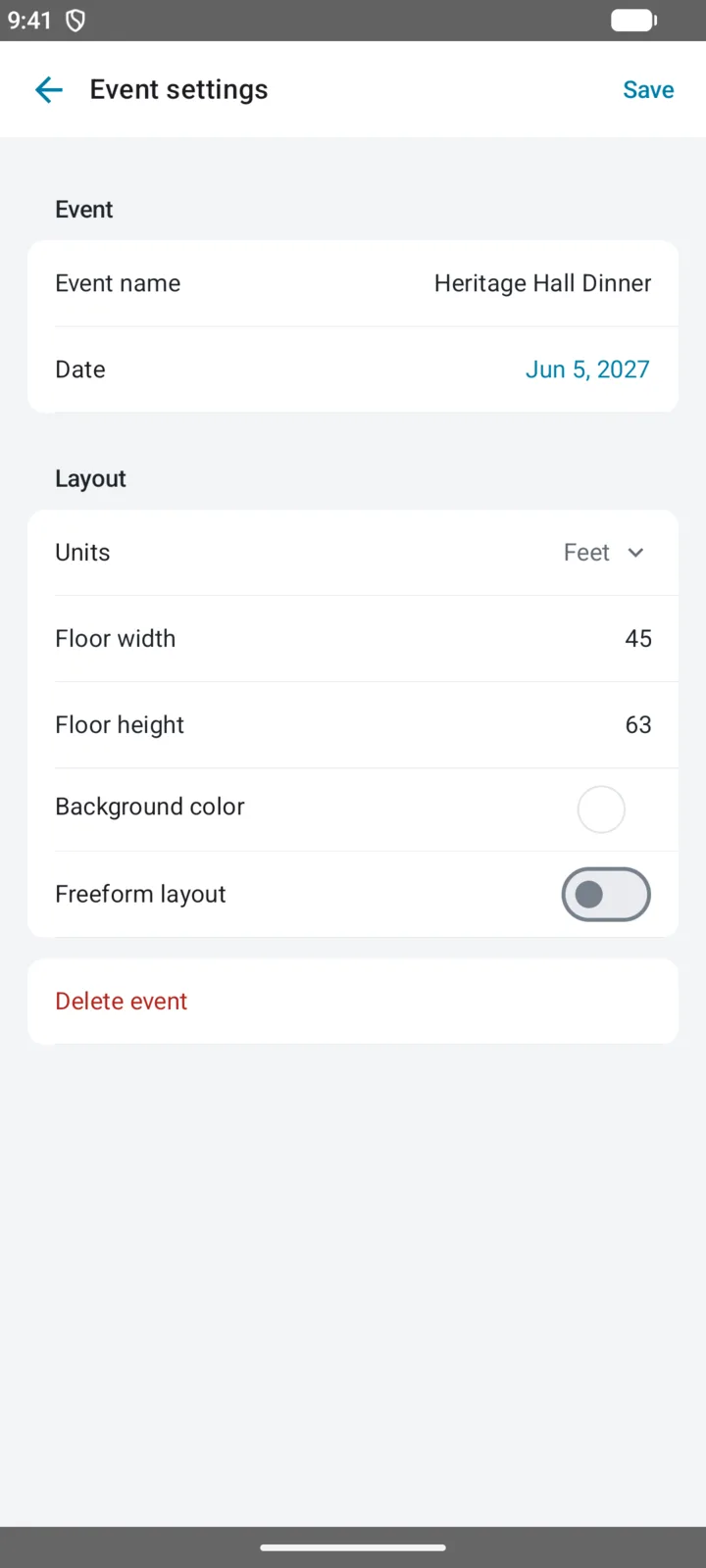
- Open your event and tap Event, then Event details.
- Under Layout, tap Units and choose Feet or Meters.
- Enter your venue measurements in Floor width and Floor height.
- To change the floor color, tap Background color, choose a color, and tap Apply.
- Tap Save.