How to fit the floor plan on screen or hide the grid
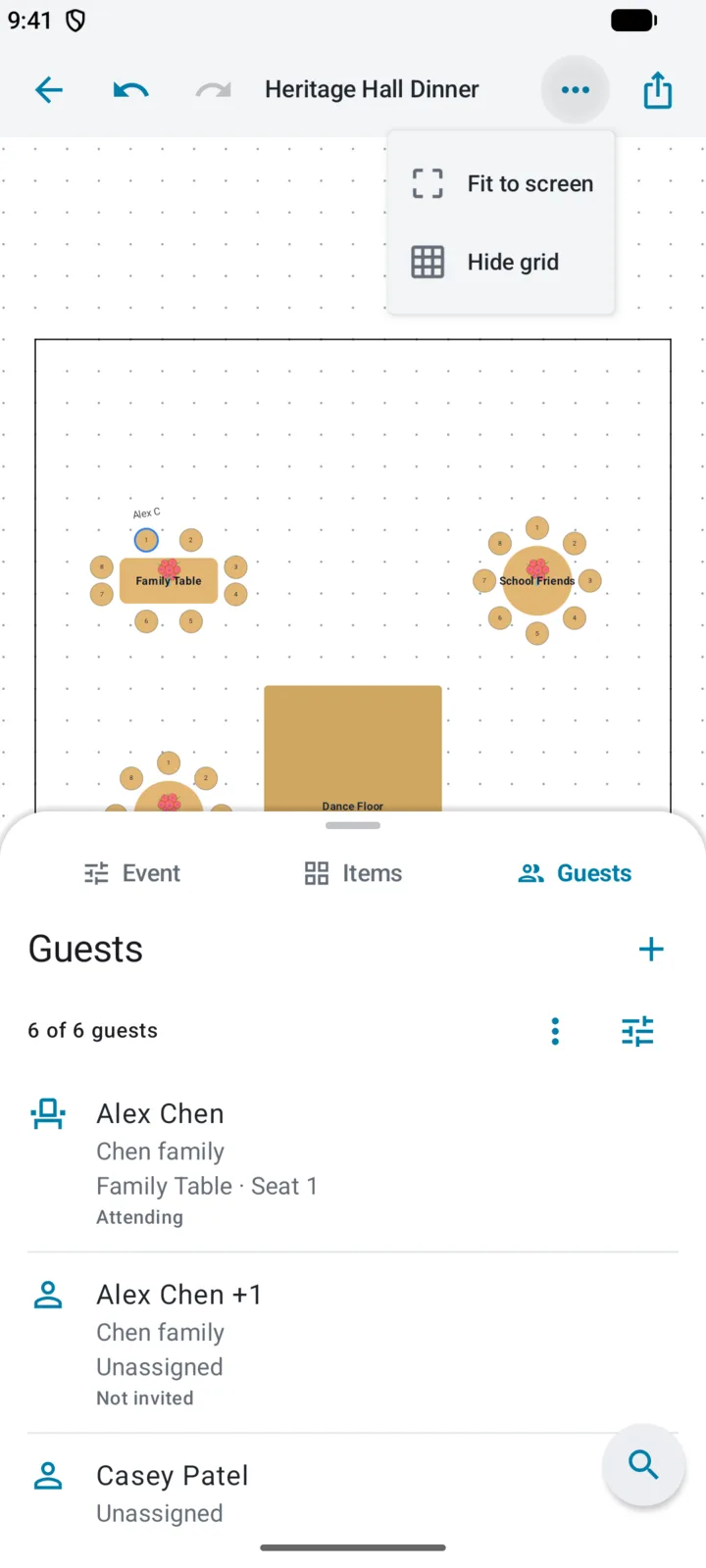
Open the three-dot Display options menu at the top of the planner.
- Tap Fit to screen to bring the full floor plan into view.
- Tap Hide grid for a clear view of the floor. To bring the grid back, open the menu again and tap Show grid.
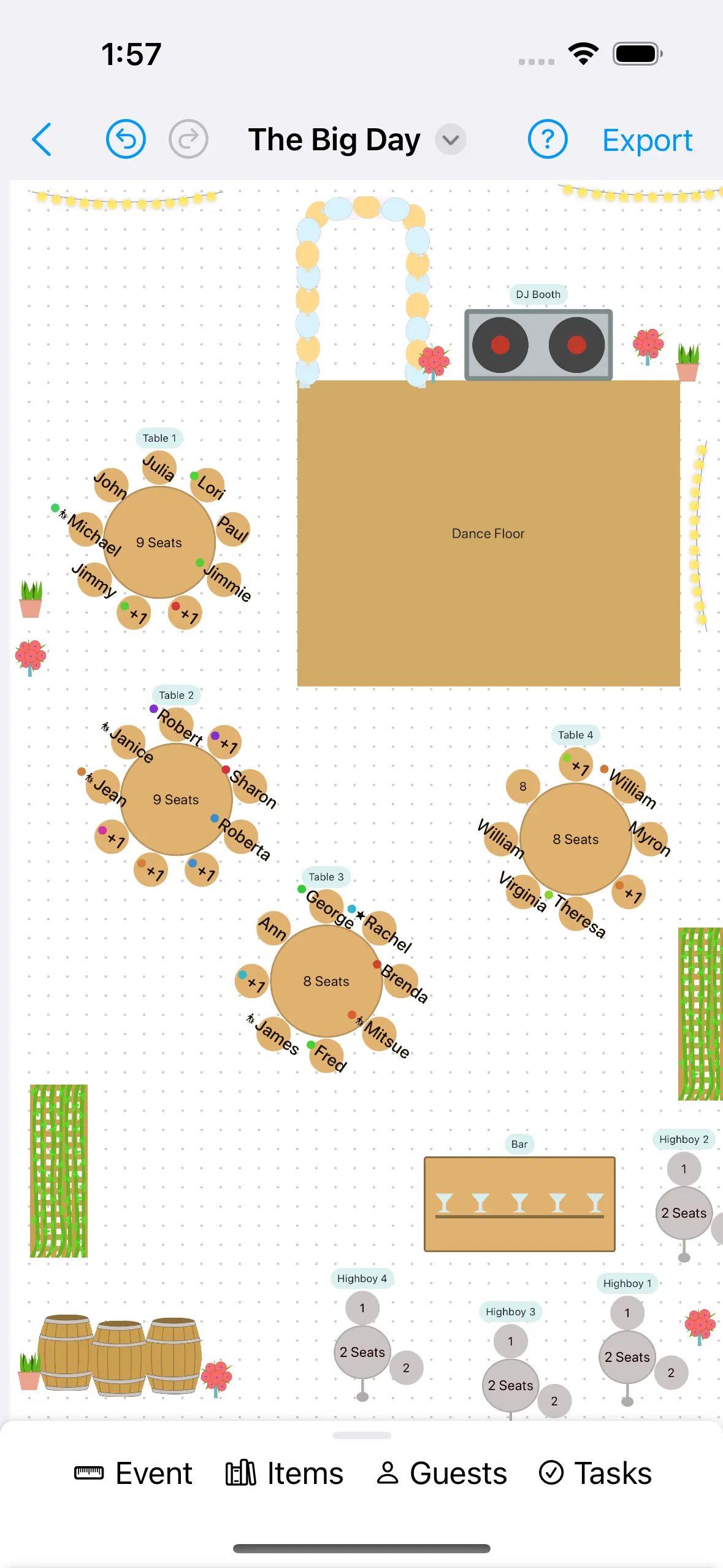
To undo or redo a recent edit, tap the left or right curved arrow at the top of the planner.