How to add placeholder guests on Android
- Open your event and tap Guests.
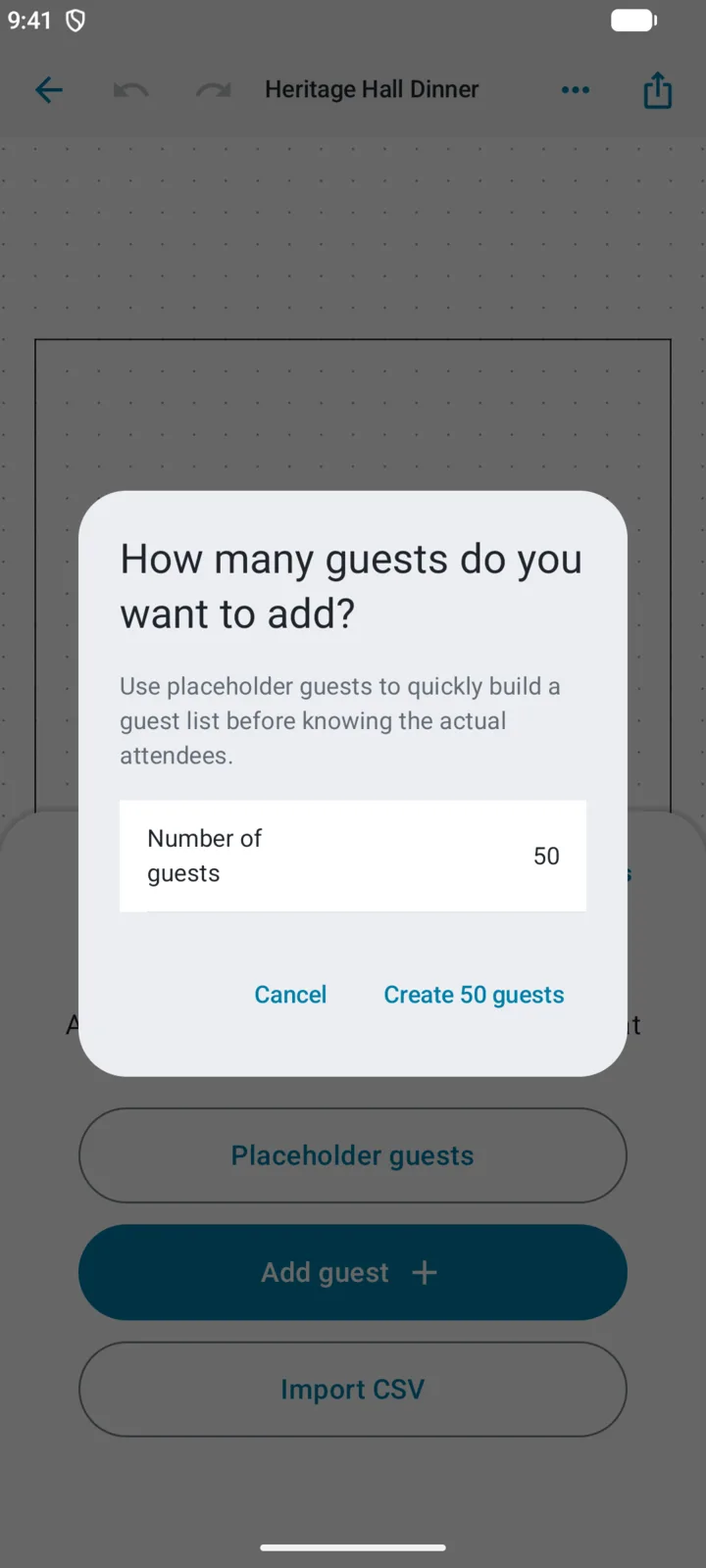
- Tap Placeholder guests. If you already have guests, open the three-dot Guest list actions menu and tap Add placeholder guests.
- Enter how many you want to add and tap the Create button, which shows the number you entered.
When you know a guest’s name, tap the placeholder in the guest list, replace their name, and tap Save. Their seat stays assigned.