How to save your guest list as a spreadsheet
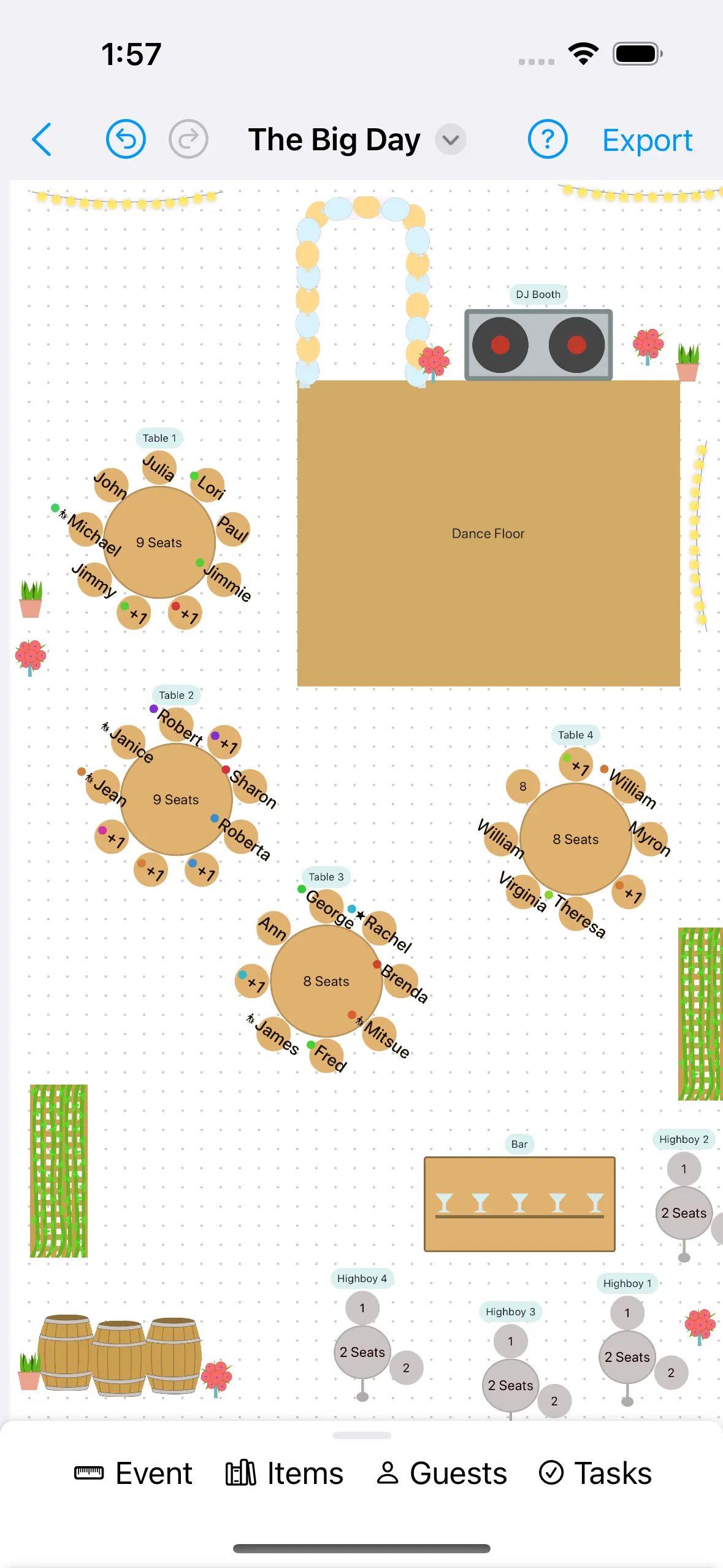
- Open your event and tap Export at the top of the planner.
- Tap Guest Spreadsheet.
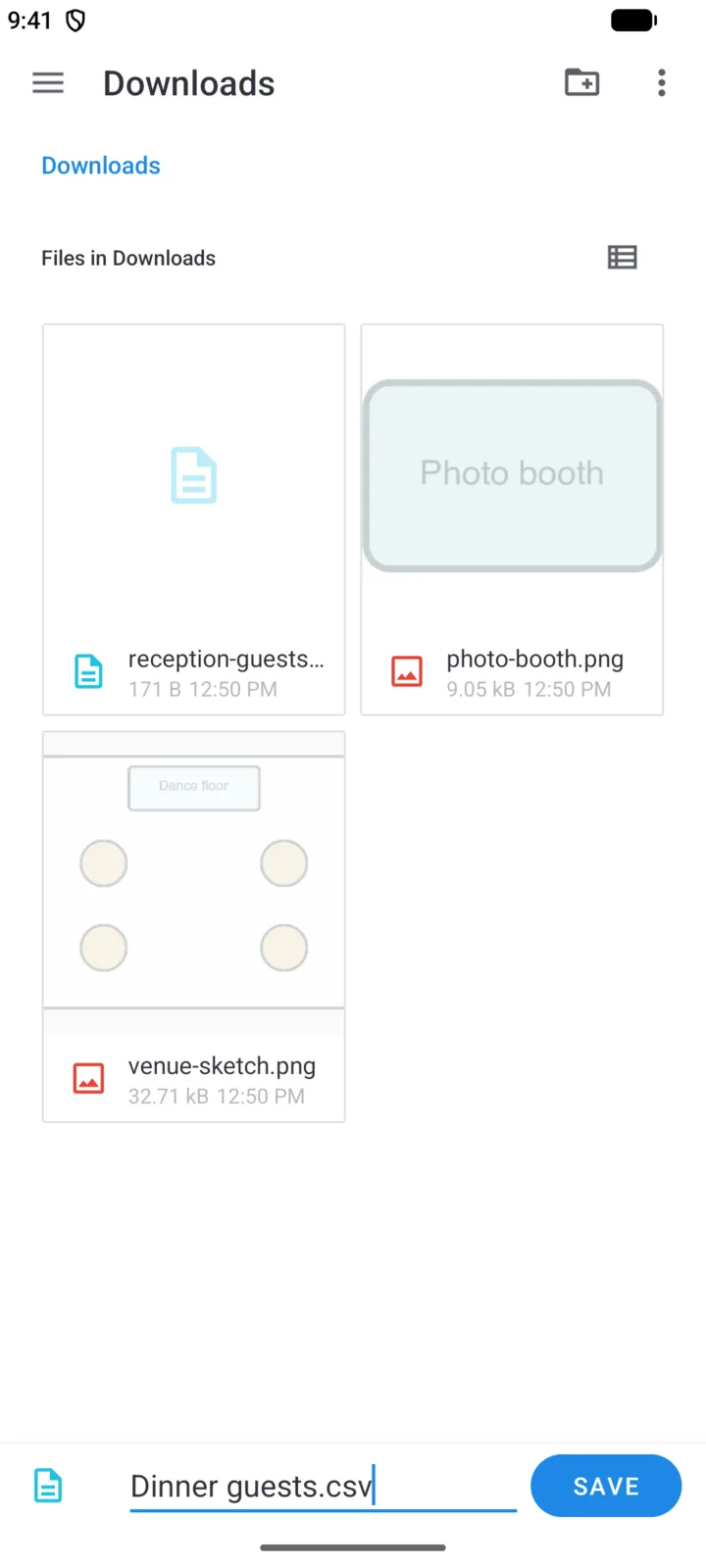
- Choose a folder and file name in the Android file picker, then tap Save.
Open the CSV in your spreadsheet app to see guest names, attendance, parties, tags, and notes. To share table and seat assignments, use the PDF option in Export.