How to share a floor plan as a PDF or image
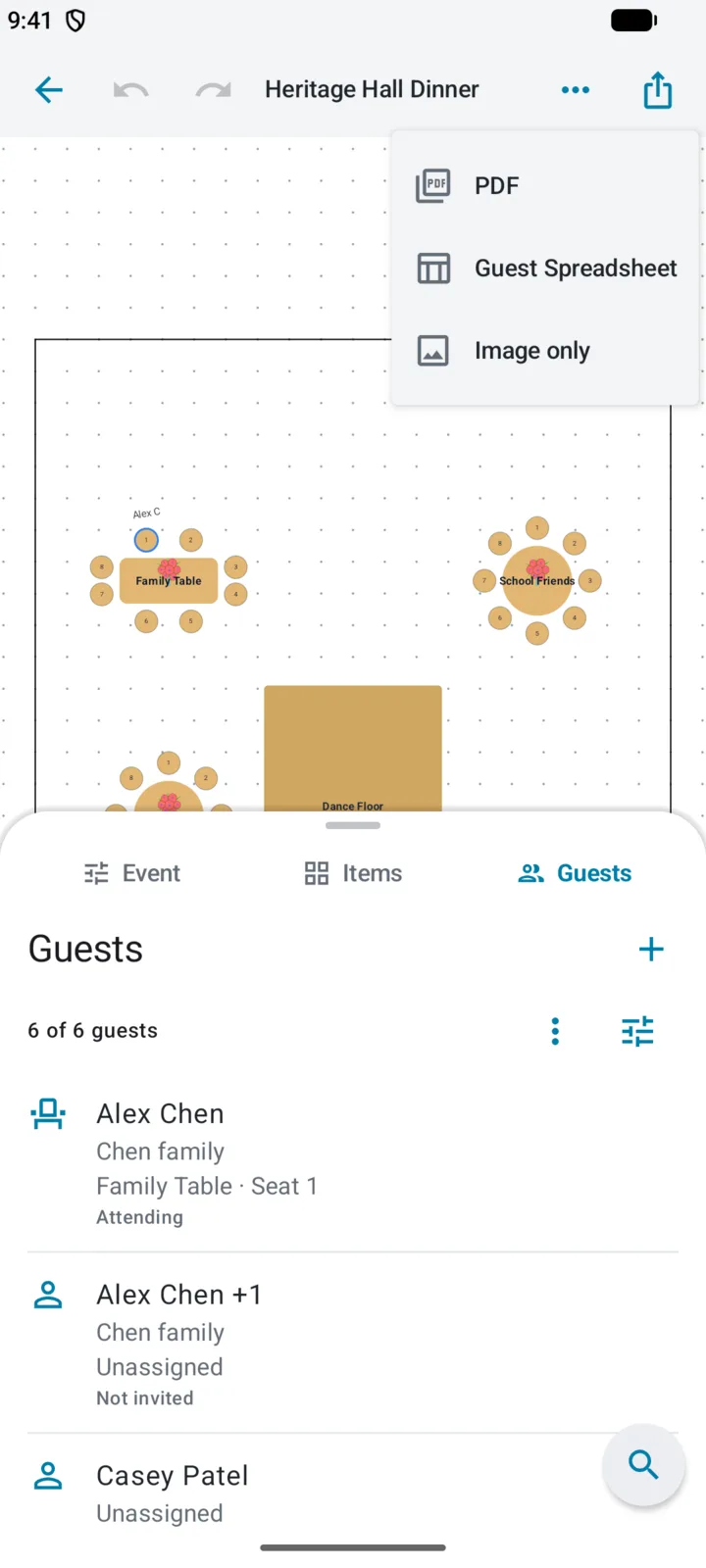
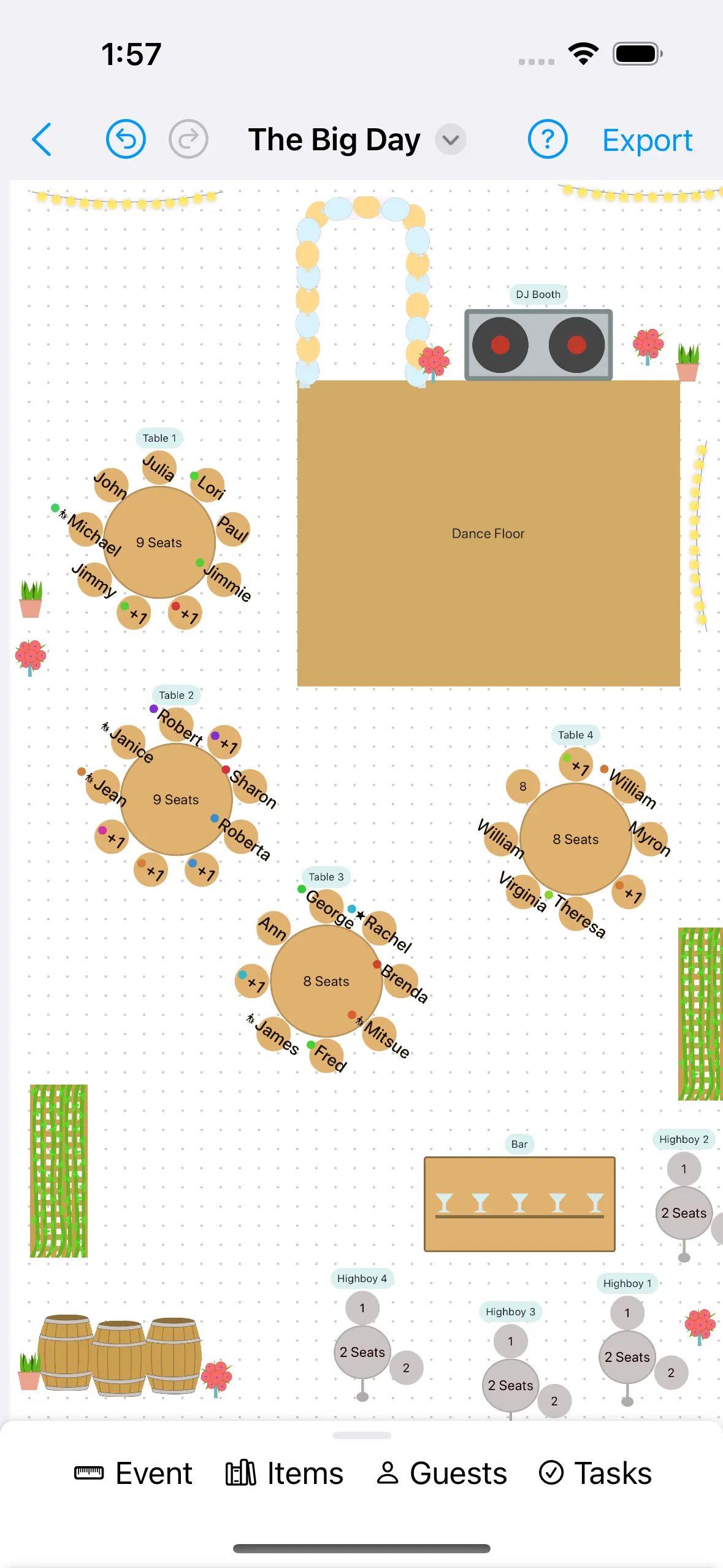
- Open the event and tap Export at the top of the planner.
- Choose PDF for the floor plan and any guests with their table and seat assignments. Choose Image only for a PNG of the plan.
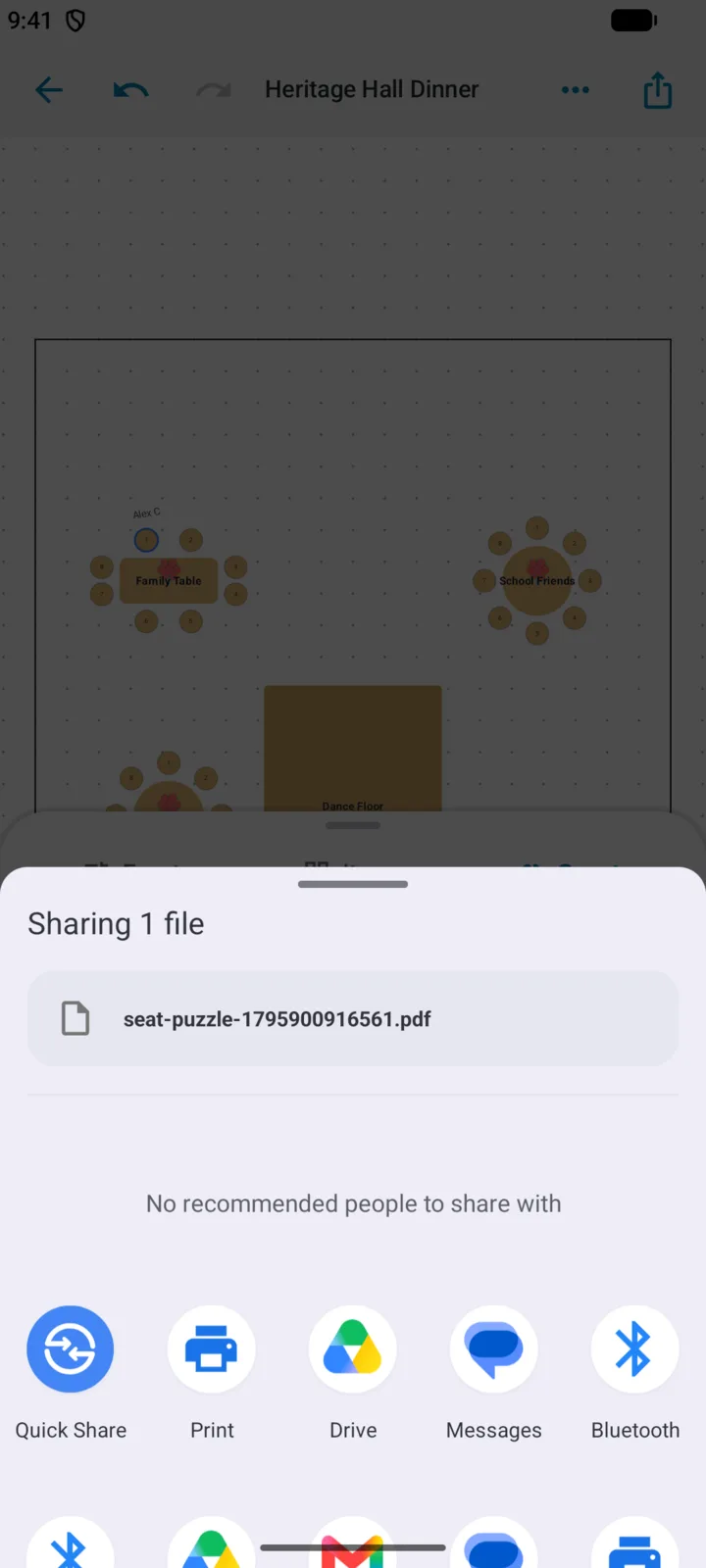
- Pick an app from the Android share sheet to send the file. Choose Print if you want to print the PDF.