How to import guests from a CSV file on Android
Prepare your file
Save your spreadsheet as a comma-separated CSV with one guest per row. Include a header row with First name, Last name, or both. You can also include Party, Attendance, Notes, and Tags. Give guests the same party name to group them together.
Import the guest list
- Open your event and tap Guests.
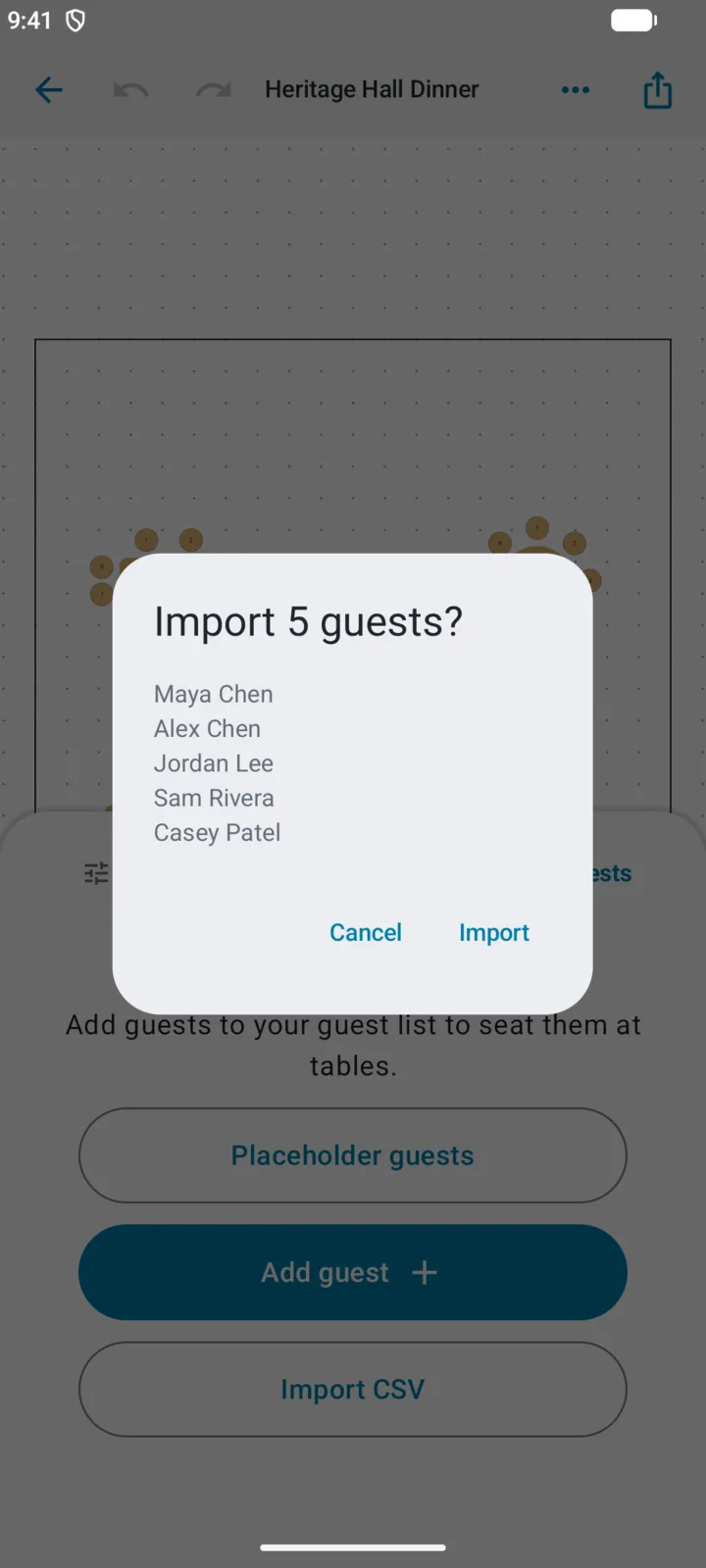
- Tap Import CSV. If you already have guests, open the three-dot Guest list actions menu to find it.
- Select the CSV file in the Android file picker.
- Check the guest names and count in the preview, then tap Import to add the guests.