How to record attendance and RSVP answers
- Open Guests and tap the guest’s name.
- Tap Attendance and select the current status, such as Pending, Attending, or Not attending.
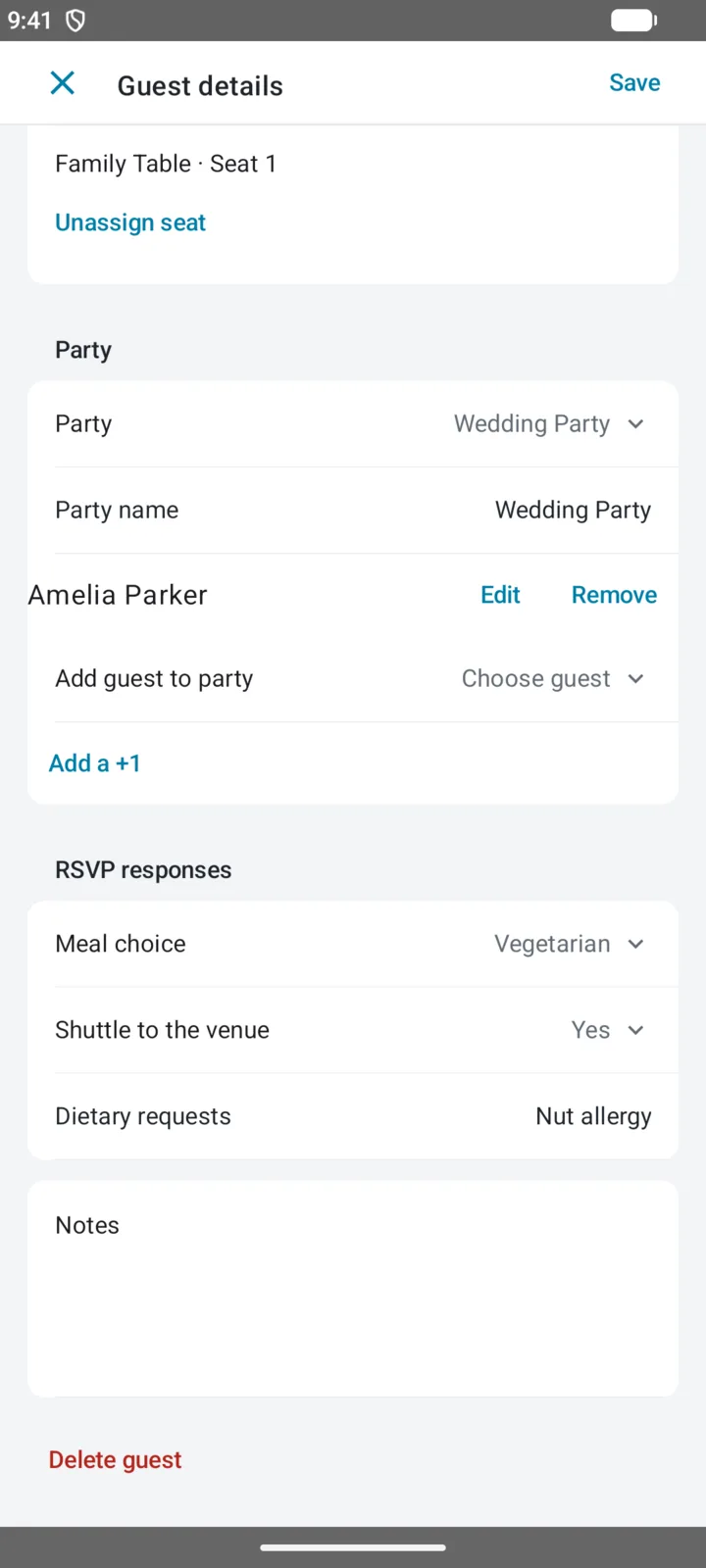
- If your event has RSVP questions, scroll to RSVP responses and enter the guest’s answers.
- Tap Save.