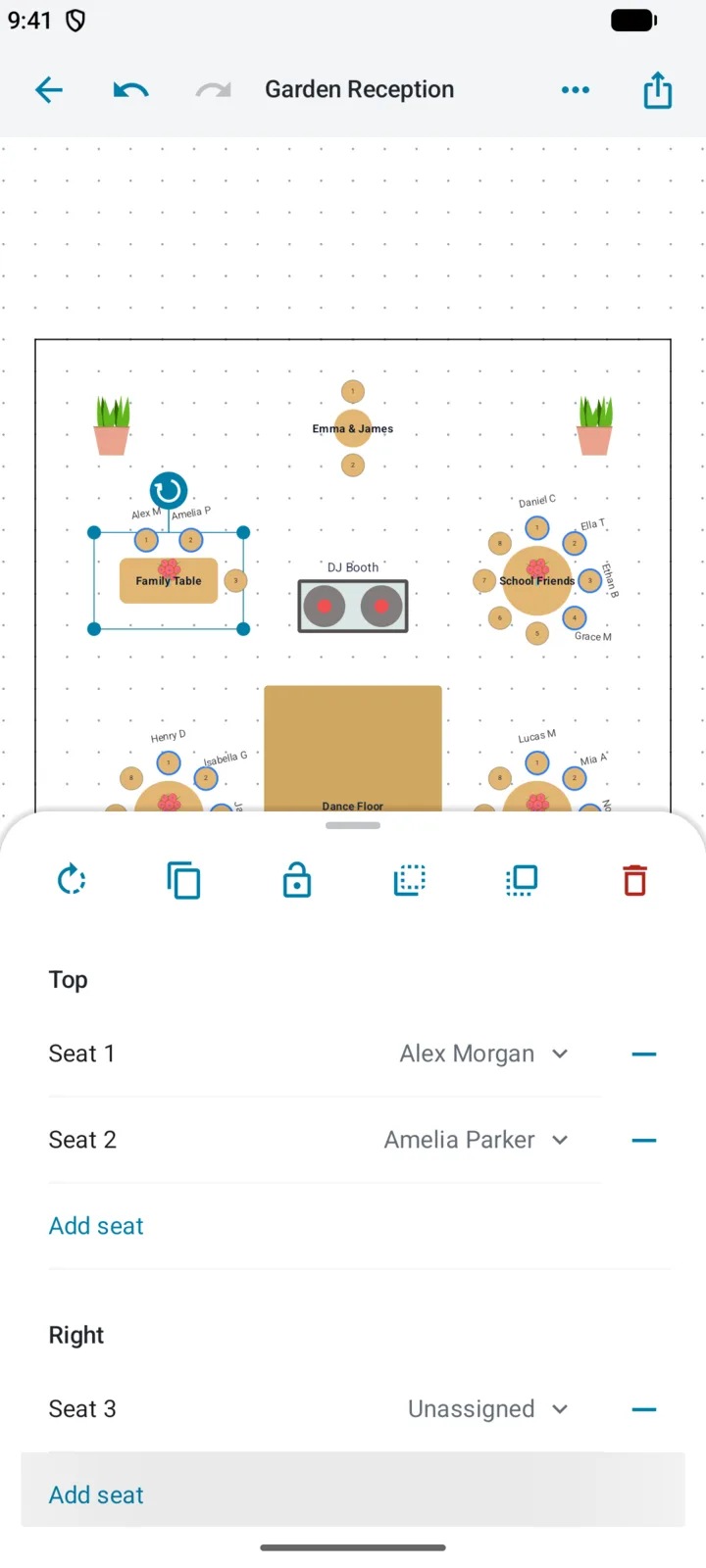
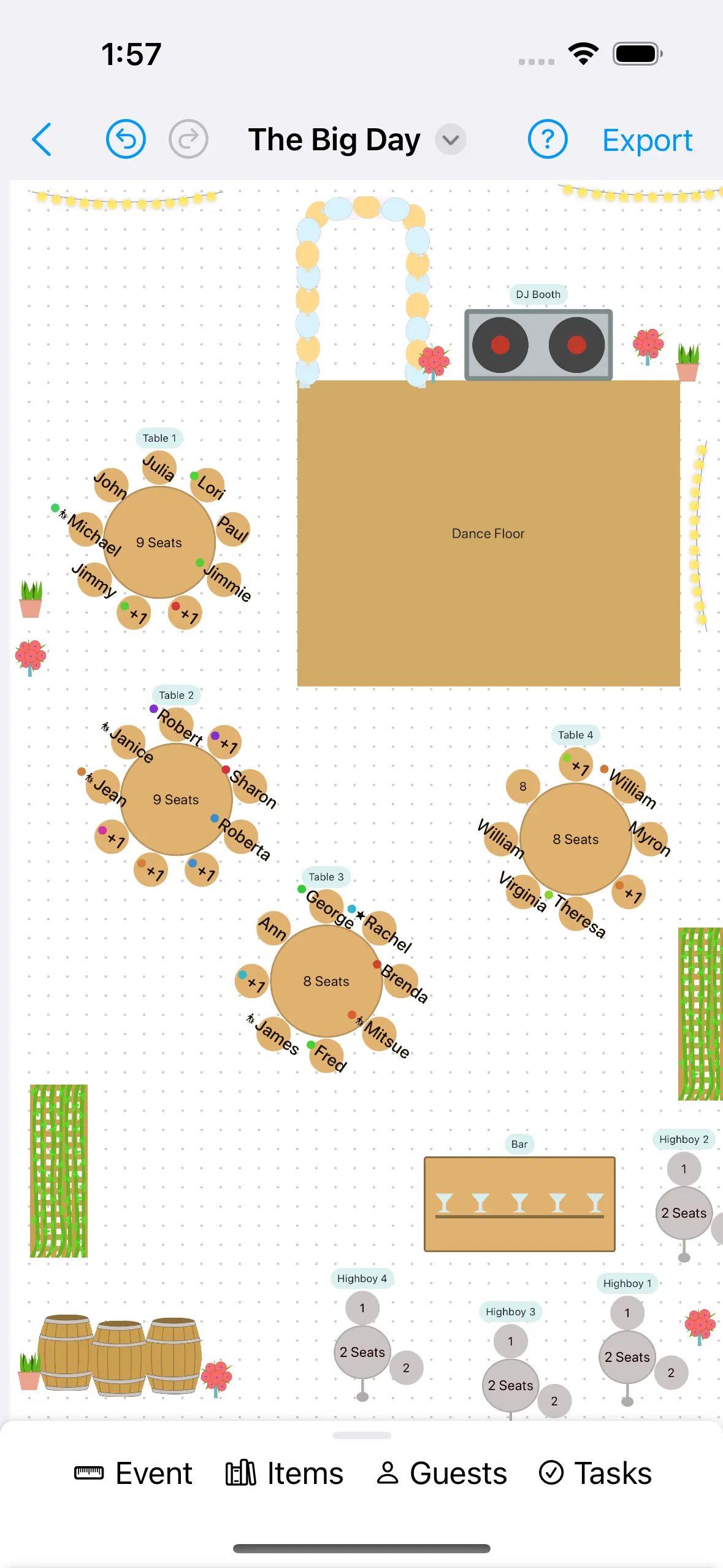
How to change a table’s seating arrangement
- Tap a table to open its settings.
- Under Layout, use Style to change the table shape when the table offers style options.
- Scroll to Seating. If Seating arrangement is available, tap it and choose a layout.
- Use the minus and plus buttons beside Seat count to set the number of chairs.
Put chairs on specific sides
Choose Fixed sides in Seating arrangement when your table offers it. Scroll to Top, Right, Bottom, or Left, then tap Add seat on the side you want. Tap the minus button next to a seat to remove it.