How to add tables, chairs, and other floor items
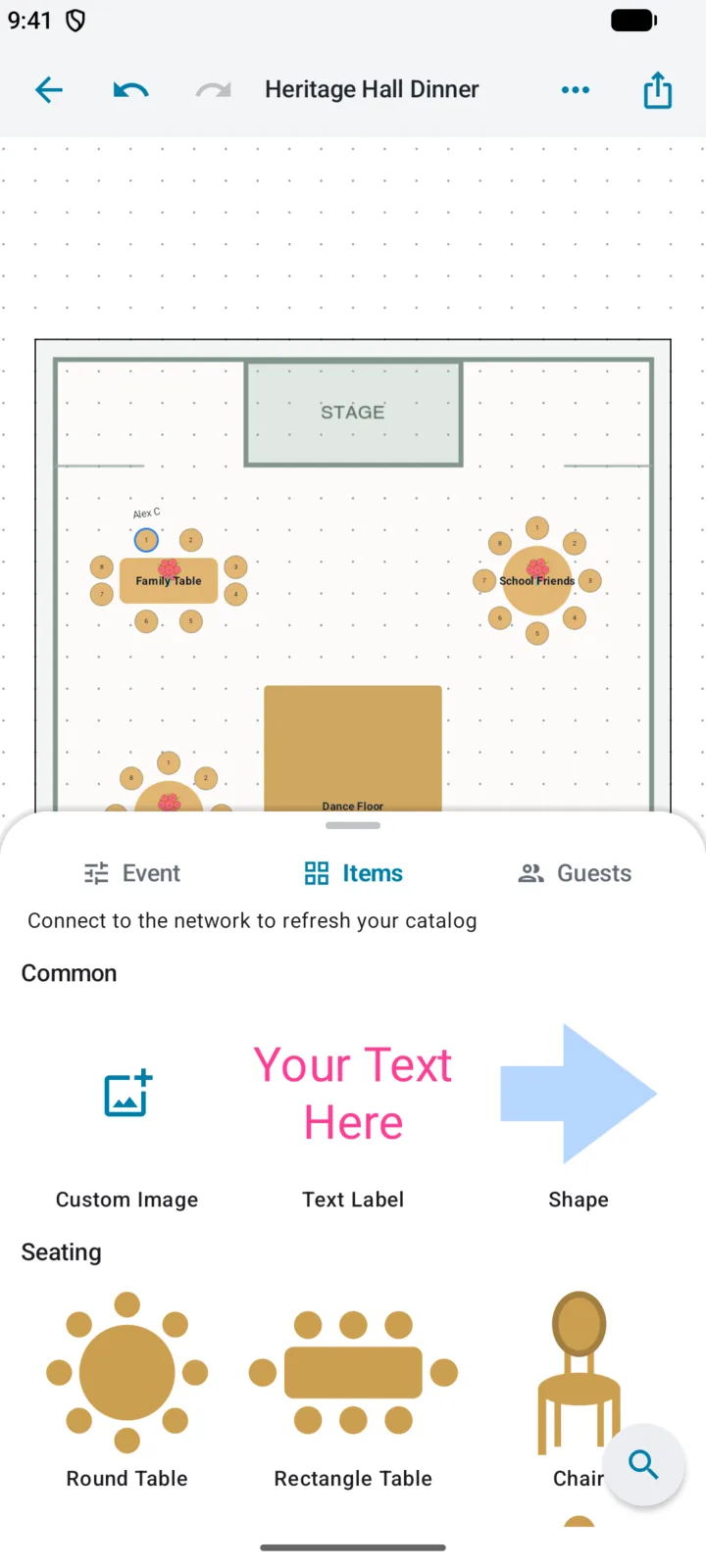
- Open your event and tap Items at the bottom of the planner.
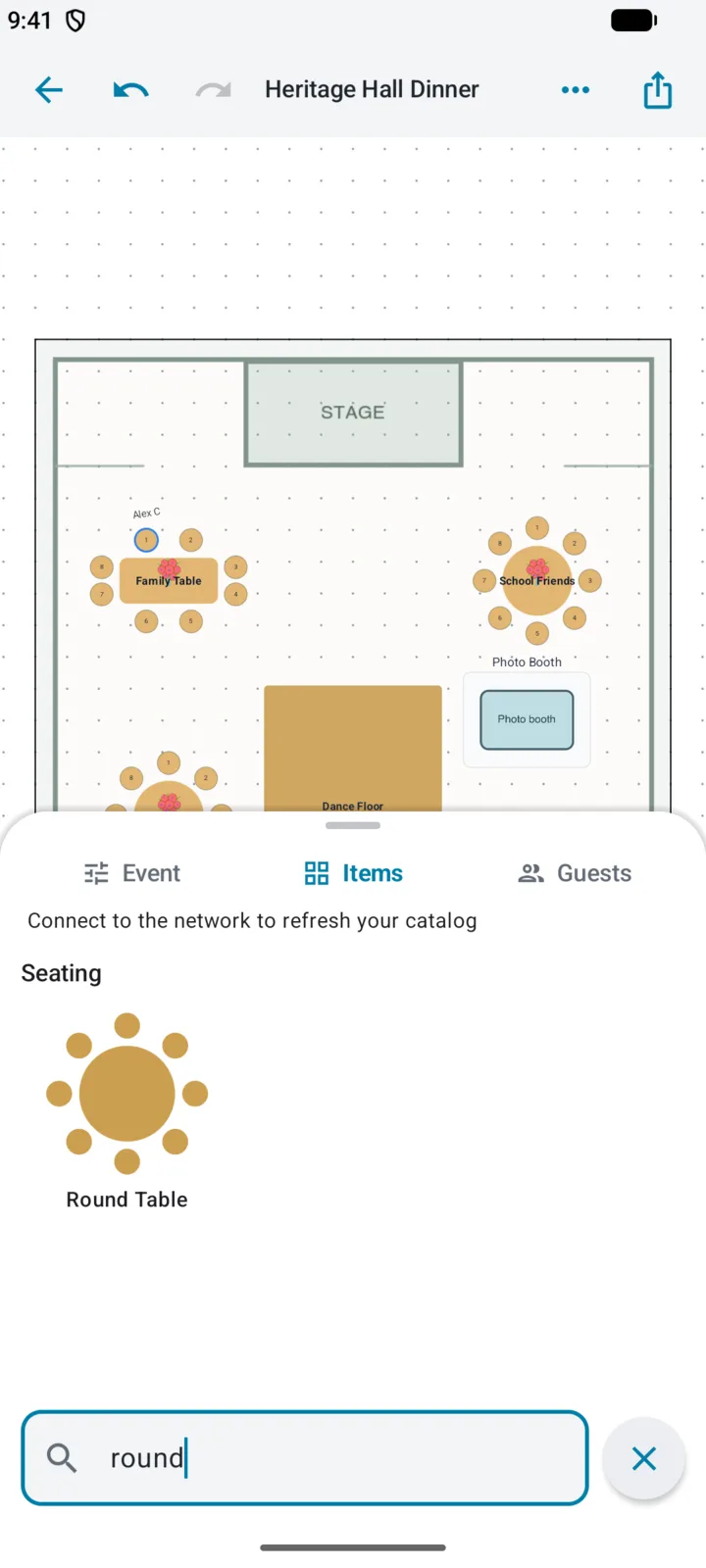
- Browse the library or tap the magnifying glass and enter a name in Search items.
- Tap the item you want to place. Seat Puzzle adds it to the plan and opens its settings.
- Tap the item on the plan if needed to select it, then drag it into place.