How to restore a deleted event or template
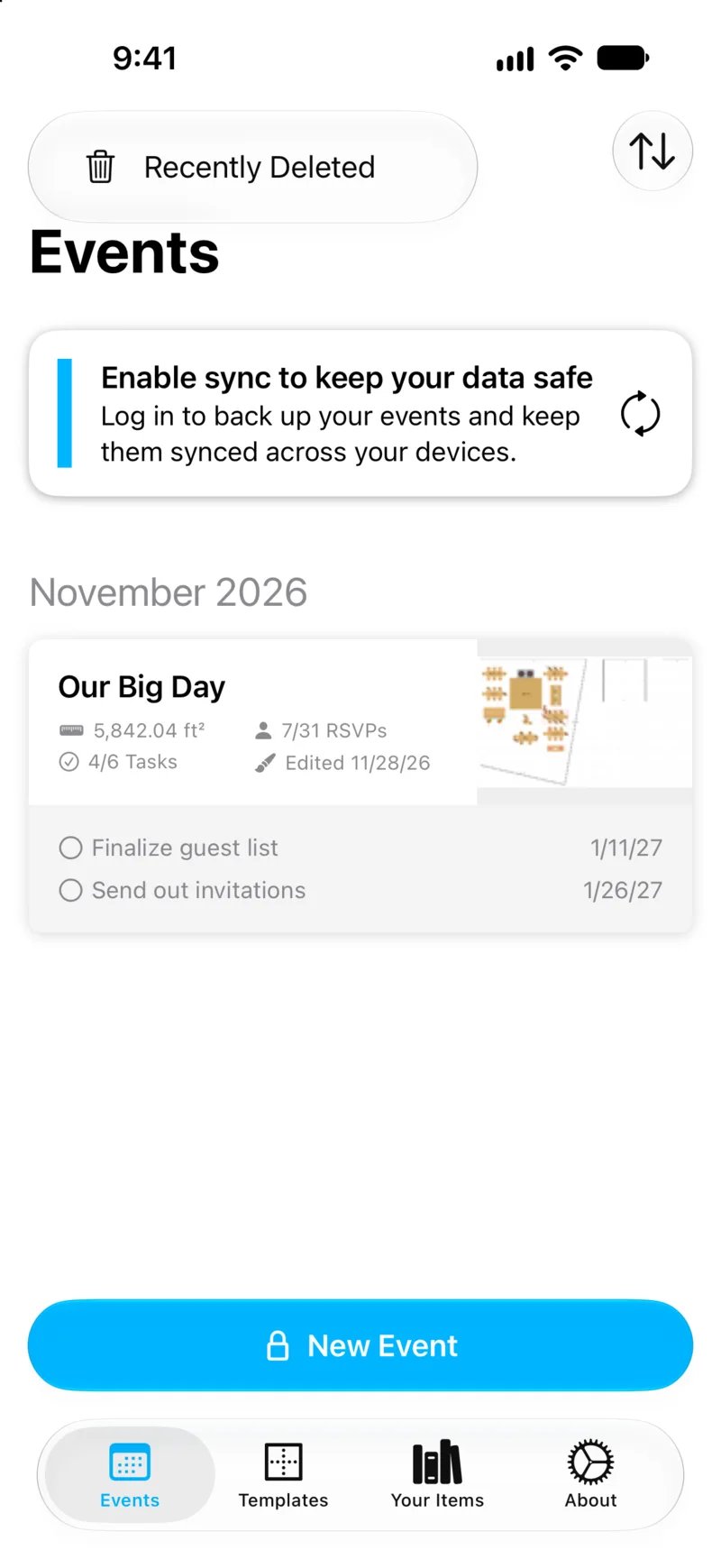
- Go to Events on the Seat Puzzle home screen.
- Tap Options (the box icon in the upper left) and choose Recently Deleted.
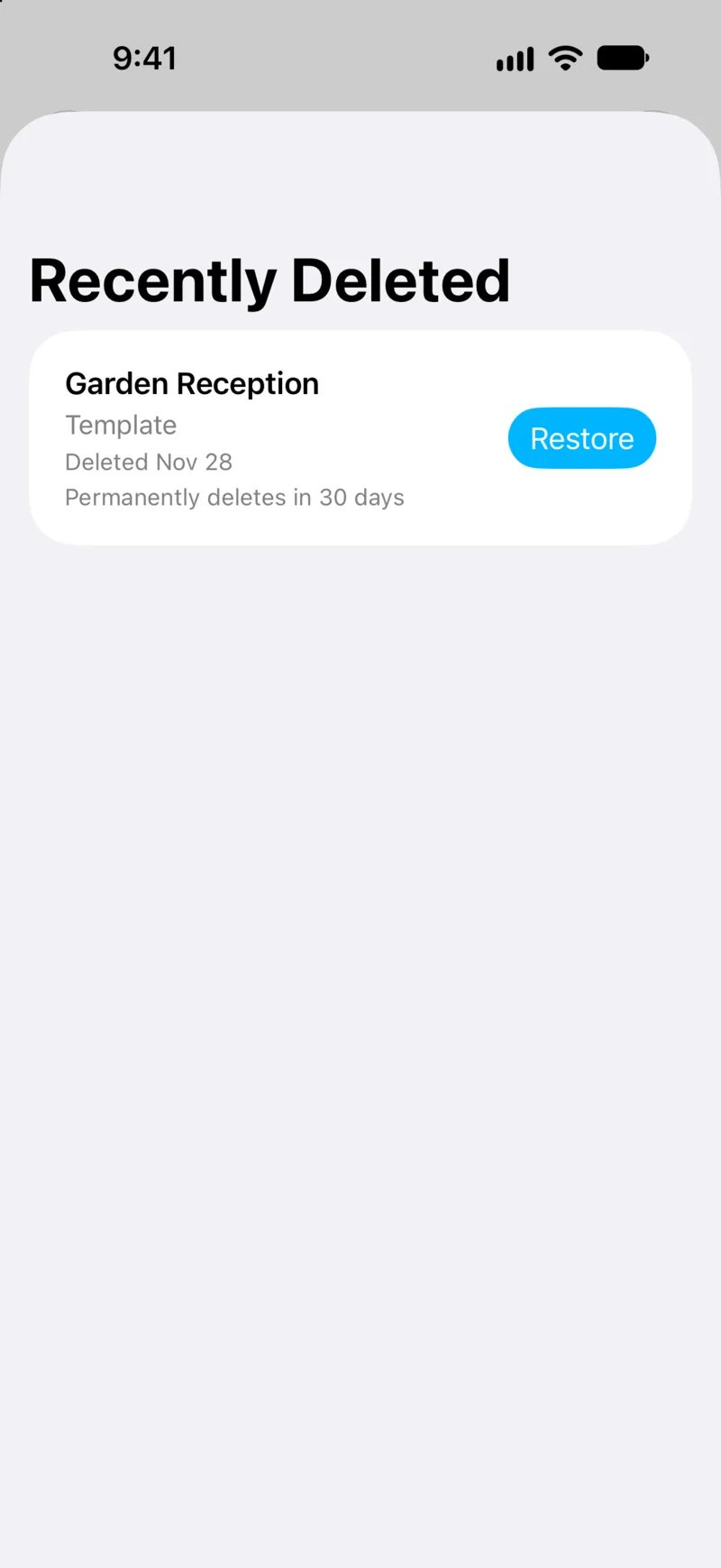
- Find your event or template. Its row shows when it was deleted and how long you have to restore it.
- Tap Restore. Go back to Events for a restored event or Templates for a restored template.
You have 30 days to restore a deleted event or template you own. Restore it before the countdown ends.