How to keep guests together or apart and resolve conflicts
Set a seating preference
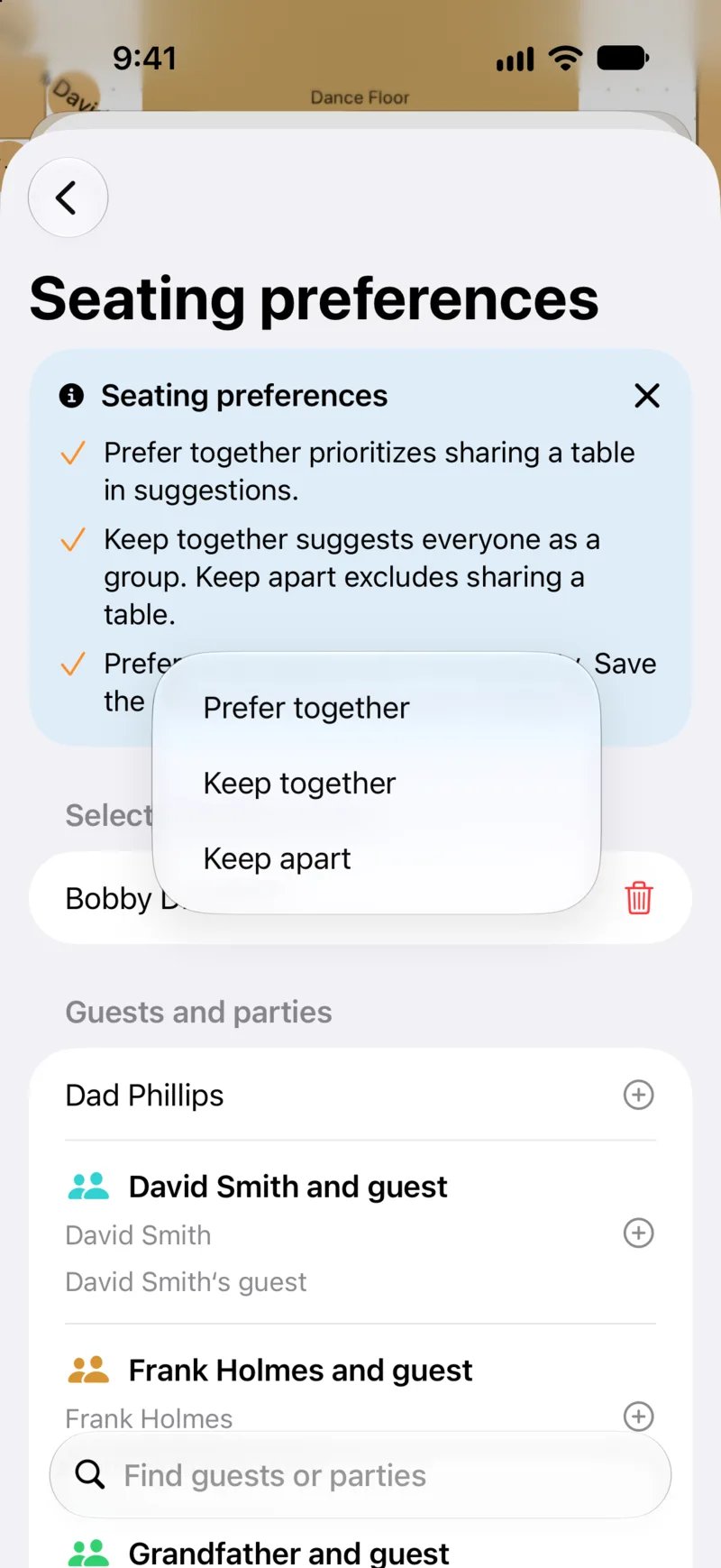
- Open Guests, tap a guest, then tap Seating preferences.
- Tap a guest or party from the list to add a rule. In Selected preferences, tap the rule to change it.
- Return to the guest’s form and tap Save.
- Prefer together prioritizes a shared table in seating suggestions.
- Keep together suggests seating the guests as one group.
- Keep apart excludes placing the guests at the same table in suggestions.
When a guest belongs to a party, the preference applies to the whole party.
Resolve a conflict
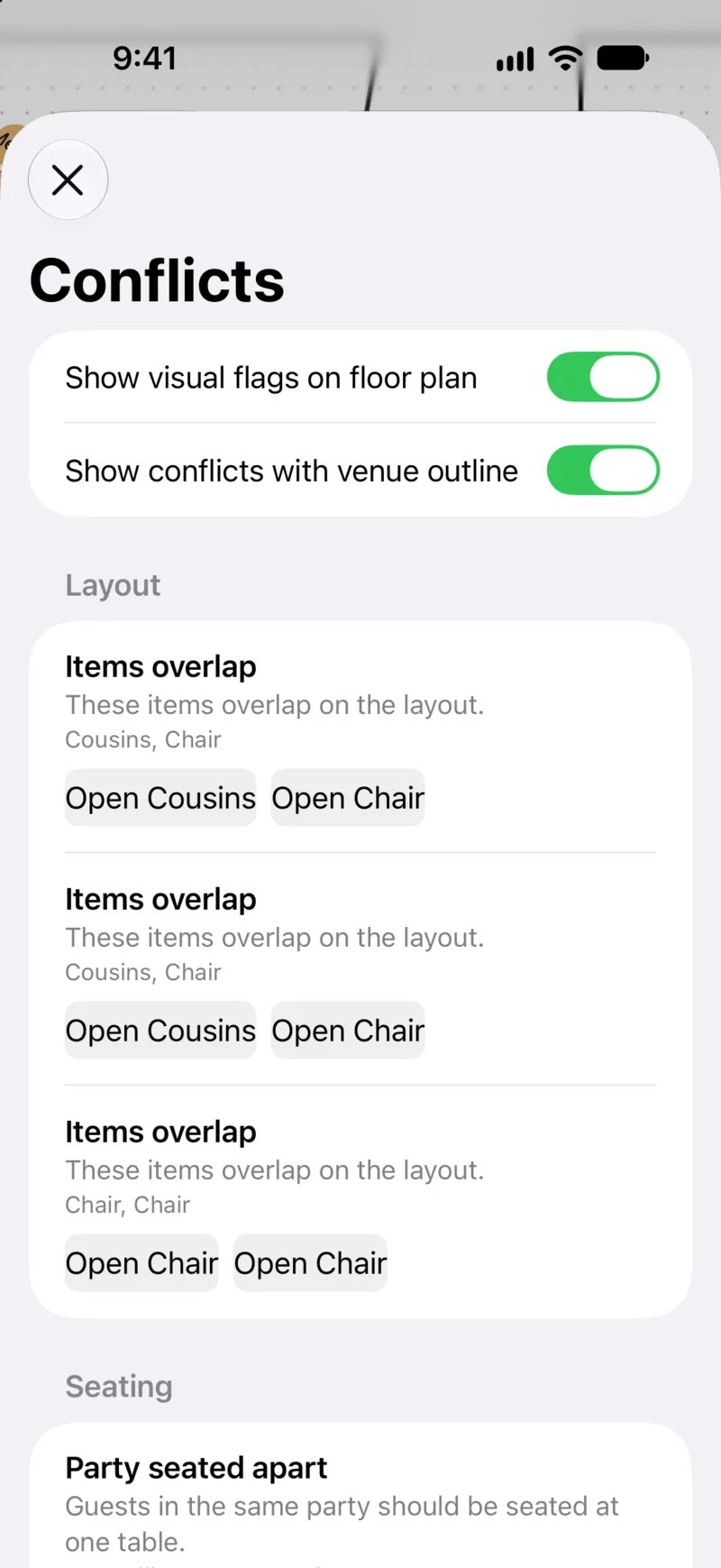
Open Conflicts from the triangle in the floor plan toolbar, or find it under More (•••). Under Seating, read the affected guests and use the actions shown to open a table, move a group, or unseat a guest.
For overlapping items, look under Layout. Tap the button for one of the items, then drag it away from the other item. Turn on Show visual flags on floor plan to see flagged items outlined on the plan.