
How to add placeholder guests on the web
- Open Guest List.
- Open the three-dot Guest list actions menu and select Add placeholder guests.
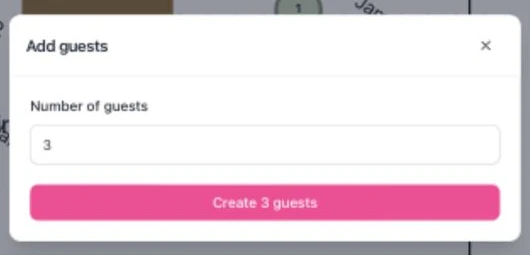
- Enter the Number of guests, then select Create [number] guests.
The new entries appear as Guest in the list. Select an entry to fill in its name, or drag it onto a seat and add the name later.