
How to use a seating chart template
- Open the web template library.
- Select a layout. Check Suggested guests, Seats, and Sample room on the template page.
- Select Use this template. Sign in if prompted. Your copy opens as a new event you can change in the planner.
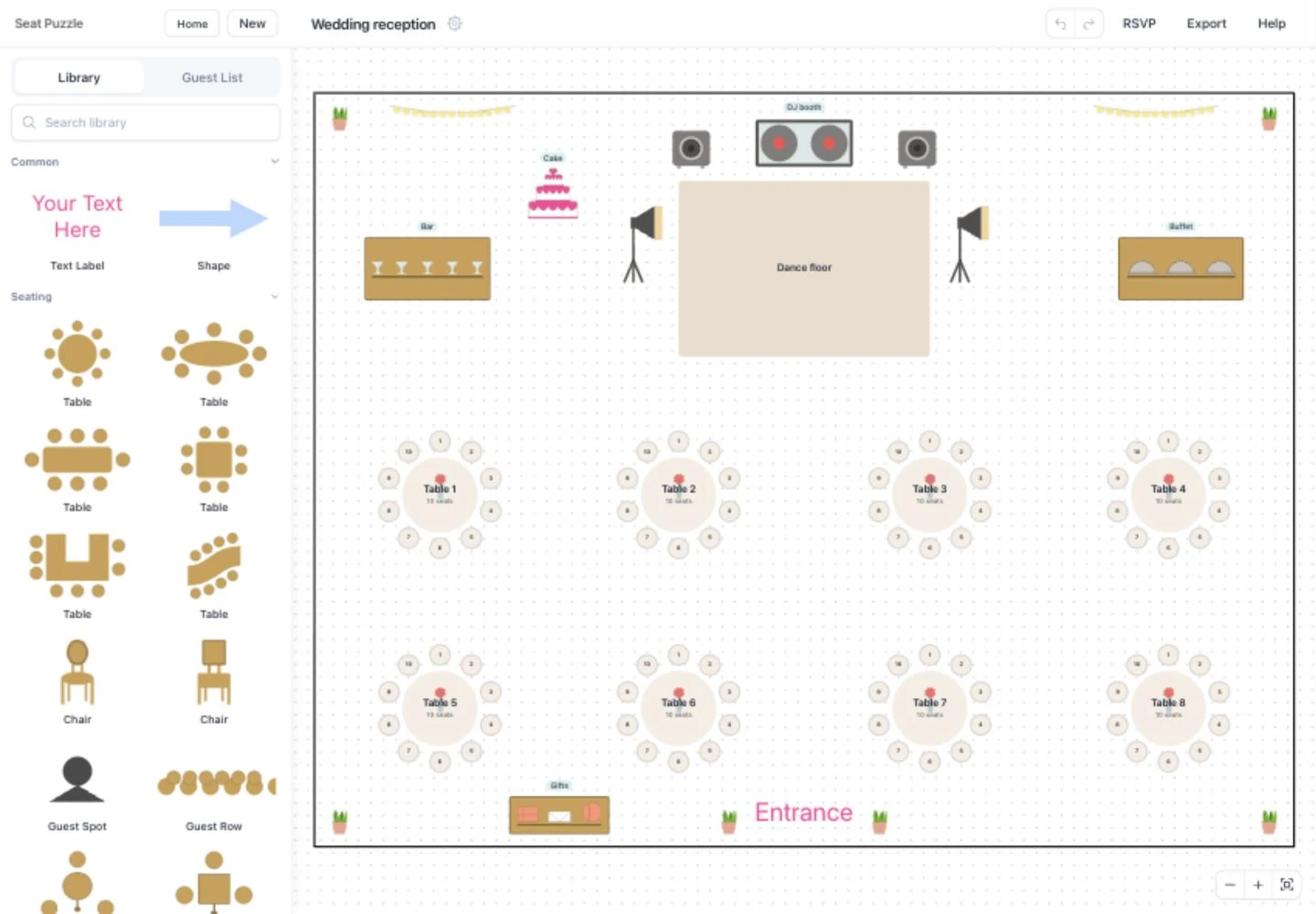
Rename your copy in Event settings and update the Venue dimensions for your space. You can find the copy again under Events.